Ticket Transfer: How Sellers Get Paid Safely
Published October 15, 2026 · Updated October 15, 2026
Learn how ticket transfer online works for sellers, when to send tickets, how marketplace payouts differ, and how to spot fake payment claims.
Ticket transfer online moves an unwanted ticket from your account to someone else's. You still need a way to get paid. Agree on the payment method and who's handling the sale before you tap Transfer. If a buyer sends you a payment screenshot, look for the money in your own account.
Ticketmaster's walkthrough shows the in-app handoff. The payment steps are different for a private deal and a sale through a service.
What ticket transfer means for a seller
Your mobile ticket may stay in the original ticketing app. If the event permits transfers, select the ticket and send a claim invitation to the recipient. They may need an account with that provider to accept it. Forwarding a confirmation email or screenshot may leave the ticket in your account.
The app can tell you if the recipient has accepted the ticket. For payment, you'll need to look at the account or service handling the sale. Save the agreed price, recipient address, and sale instructions with your transfer record.
"Ticket Transfer helps you send tickets to friends and family. It’s not used for exchanging tickets." - Ticketmaster Help
Transfer availability depends on the event organizer and ticket type. Ticketmaster says a Transfer button appears on an order when the organizer permits transfers. If the button is absent or the transfer window has closed, do not promise instant delivery.
How ticket transfer online works
The button names vary by app. These checks stay the same:
Open the original order and match the event, date, section, quantity, and seats to what you plan to sell. Make sure those tickets can be transferred.
Choose how you'll sell: directly to a person, through a resale marketplace, or to a direct purchaser. That choice determines when you should send the tickets.
Check the recipient's email or phone number character by character. If a marketplace supplied the address, don't replace it with one sent in a separate message unless the marketplace confirms the change.
Use the transfer function in the original ticket account. Save the confirmation and note whether the invitation is pending or accepted.
Follow the sale channel's delivery and payment process. You may need the transfer confirmation as proof of delivery; for a private sale, it says nothing about whether you've been paid.
Some tickets have a changing barcode or live in an app or wallet, so a screenshot may fail at entry. If you're selling only part of an order, check each seat number before you send anything.
When should you transfer tickets in a resale deal?
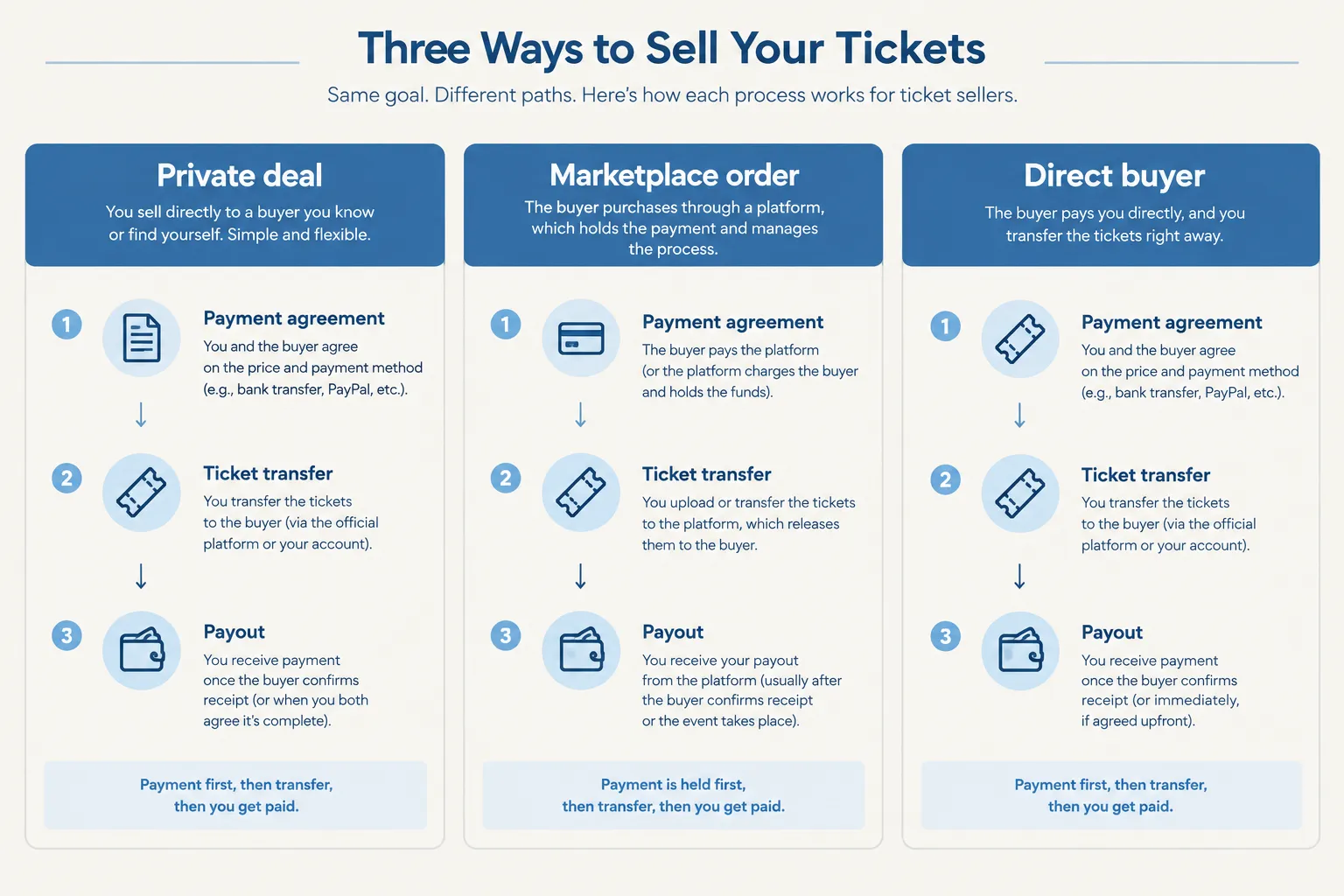
The payment setup tells you when to send the ticket. If you sell privately, you're responsible for collecting payment. A marketplace collects it from the buyer under its own rules.
Sale route | Who coordinates payment? | When the seller should transfer | Main trade-off |
|---|---|---|---|
Private deal with another person | You and the buyer arrange payment yourselves | After you can see the agreed payment in your own account, using a payment method with terms you understand | You control the negotiation but carry the payment and delivery risk |
Marketplace-mediated sale | The marketplace collects the buyer's payment and sets delivery and payout rules | When a valid order appears in your seller account and the platform instructs you to deliver, within its stated deadline | You do not need to chase the buyer directly, but payout timing and fees depend on the platform |
Direct purchaser such as WeBuyTickets | The company makes an offer and handles the purchase | After you accept the offer and confirm the company's transfer instructions and payout terms | No listing or buyer wait, but an instant offer may differ from the price you could seek in a listing |
Private sale: payment first, then transfer
Put the tickets, total price, recipient account, and payment method in writing. Then sign in to your payment account yourself. An emailed receipt, screenshot, or buyer's claim of a “pending” payment doesn't tell you whether the money arrived. Once it has, transfer through the issuer and save the confirmation.
The payment method matters even after the money appears: some transactions can be disputed or reversed. Know those terms before you agree to sell. If you send the ticket first, you're trusting the buyer to pay afterward.
Marketplace sale: follow the order, not a message
For a marketplace sale, sign in to your seller account and find the order before you send anything. Use the recipient details and deadline shown there. Keep the transfer receipt in case delivery is disputed; a purchase email or direct message alone isn't enough to establish an order.
Read the marketplace's payout terms before you list, since a completed sale may still await payout. Moving the deal off-platform for a promise of faster money also takes it out of the platform's payment process.
Direct purchase: know the order of events
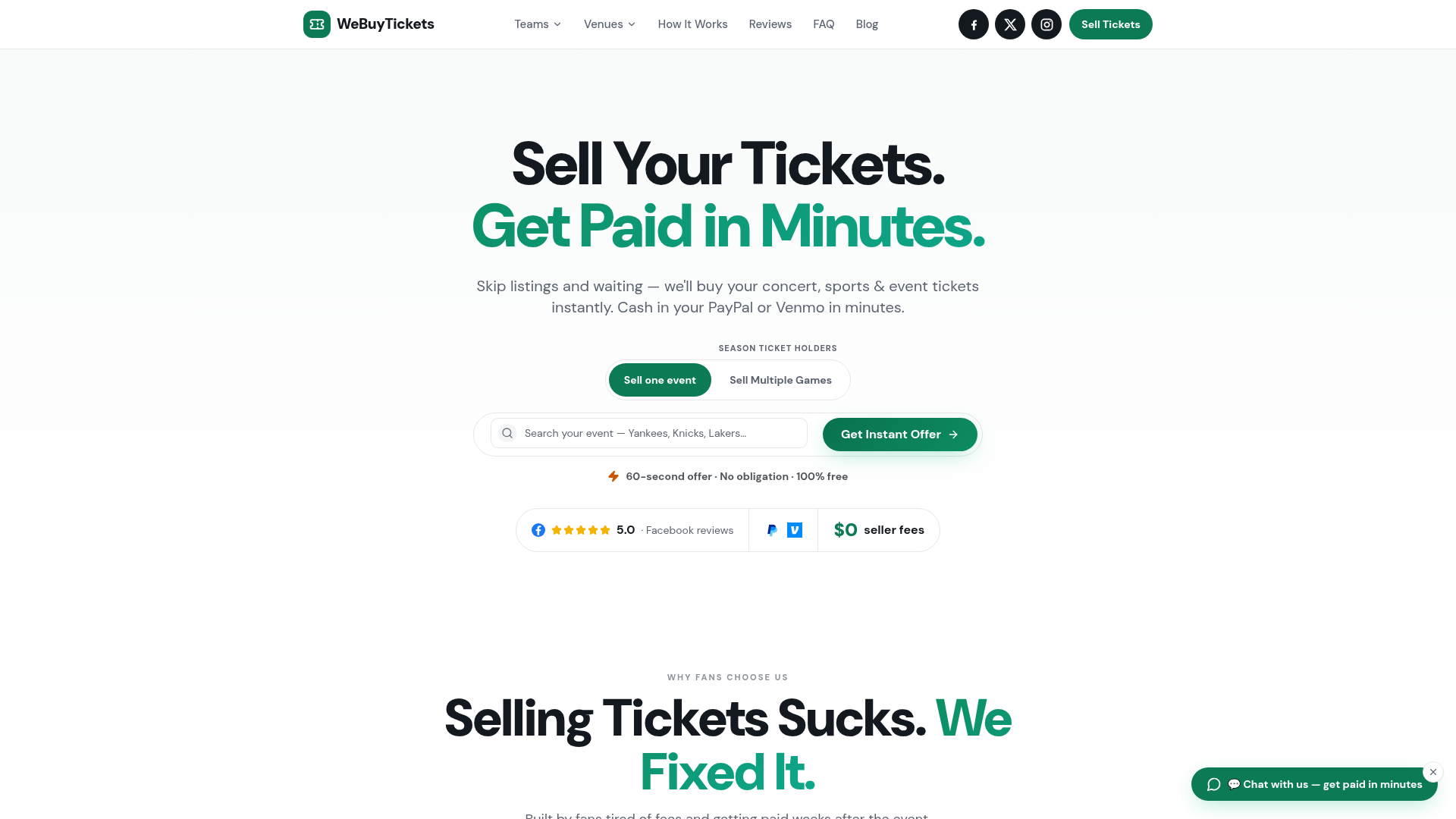
WeBuyTickets buys tickets directly, so you can get an offer without managing a listing. Submit your ticket details for an AI-powered offer within minutes. If you accept, transfer the tickets and get paid through PayPal or Venmo shortly afterward. The submission takes about 60 seconds, with no seller fees, and the service supports sales up to event start time.
You may be able to ask for more on an open marketplace, though you'd have to wait for a buyer. Read the offer amount and payout instructions before transferring to WeBuyTickets. Payment follows the transfer in its process.
Fraud risks sellers should watch for
Once you've agreed on the recipient and payment method, treat any request to change them as a reason to pause.
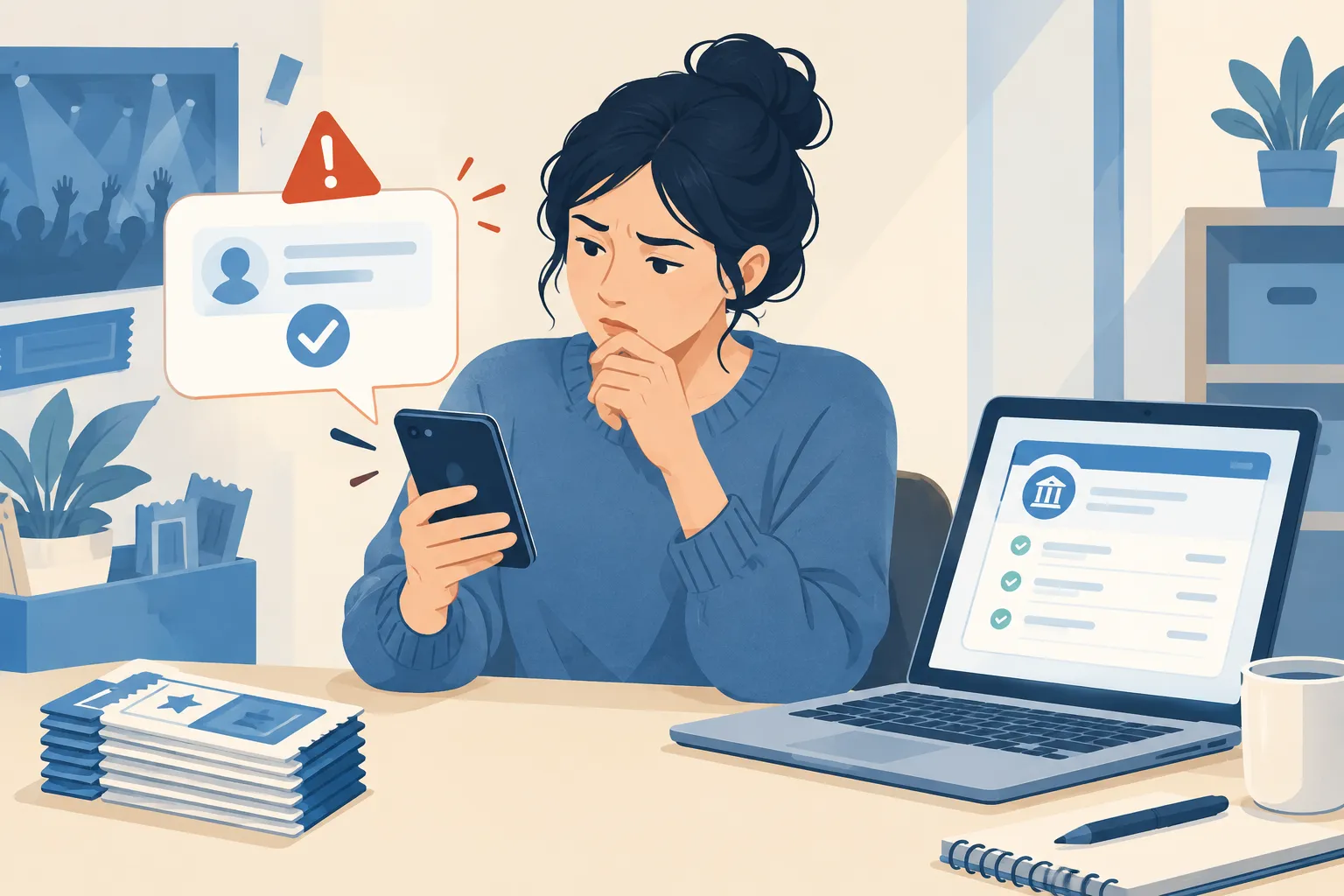
"They send you a fake payment notification and hope you send the item before you realize it’s a scam." - Federal Trade Commission
A fake payment confirmation might say the money is held until you transfer. Sign in to the payment service yourself and look for the transaction. Don't use a link in the buyer's message to do it.
If someone gives you a new transfer address, use your marketplace account's change process for a platform order. In a private deal, establish that the new request came from the person paying before you send the ticket.
A request for a barcode, one-time login code, or account access to “verify” your tickets can expose more than the ticket you're selling. Keep those details to yourself.
Take down any other listing for the same seat once you've committed to a buyer or platform order. You cannot deliver one ticket twice.
A last-minute deadline doesn't make an unverified payment safe. If transfer is unavailable, don't send a screenshot instead unless your sale channel approves that method.
If the transfer is pending or something goes wrong
If the invitation is pending, the recipient has yet to claim the ticket. Save the transfer confirmation and recipient details. For a marketplace order, tell order support before changing the address. In a private sale, ask the recipient to check the ticketing account tied to the address you entered.
If you sent it to the wrong address, look for a cancellation option in the original account before the recipient accepts. Whether that works depends on the provider and transfer status. If you cannot retrieve the ticket, contact the provider and your sale channel promptly, and leave that seat off other listings.
If the app won't let you transfer, don't take private payment for a ticket you cannot deliver. The original account may have a resale option, or you may need a sale route that accepts its delivery format. The event's restrictions still apply even if your buyer wants the ticket.
Sell unwanted tickets without managing a listing
Know your delivery deadline and payout terms before you commit. A marketplace handles the buyer's payment under its order rules. In a private deal, you must verify the payment and deliver the ticket yourself.
If you'd rather get an offer than wait for a buyer, try WeBuyTickets. You can submit details without making a listing or paying seller fees, then decide whether the offer works for you. Its transfer and PayPal or Venmo payout process also supports close-to-showtime sales. You transfer before you get paid, so read those terms before accepting.
FAQ
Can you transfer concert tickets?
Often, yes, if the event organizer and original ticket provider permit it. Look for the transfer option on the original order before you agree to deliver a ticket; availability may vary by event and ticket type.
Can I transfer an e-ticket to another person?
If the issuer enables transfers for that ticket, use its official transfer function to send the ticket to the other person's account. A forwarded email or screenshot is not necessarily a valid transfer, and a transfer itself does not collect your payment.
Can I change a ticket to another person?
That depends on the ticket's rules: some tickets can be transferred in the original app, while others cannot. If you are selling, confirm transfer eligibility before taking payment and follow the sale channel's delivery instructions.