
StubHub Review for Sellers: Fees, Risks, Payouts
Published October 17, 2026 · Updated October 17, 2026
Compare StubHub reviews for selling tickets: seller fees, post-event payouts, delivery risks and when a direct offer is the faster choice.
StubHub reviews for selling tickets often hinge on the same question: how much will you keep, and when will you get it? You set the asking price, but a listing may never sell. Listing is free; StubHub deducts a seller fee after a sale and typically processes the payout within eight business days after the event. If you need money before the show, that wait may decide it for you.
You can wait for a marketplace buyer and try for a higher price, or accept a direct offer and finish sooner. Compare what you would take home, not the number on your listing.
StubHub reviews for selling tickets: is it worth it?
StubHub makes sense when you have time before the event and tickets you can transfer. Set a price, list the seats and adjust the price if buyers do not bite. After a sale, you must deliver the tickets as promised and wait for the post-event payout.
If the event is hours away or you need payment now, a listing may leave you waiting too long. Your asking price does not protect you from an unsold ticket, and a completed sale does not put cash in your account that day.
How selling tickets on StubHub works
Create the listing. Choose the event, add the section, row and quantity, and include any required disclosures. Set your price, then look at the expected payout StubHub shows you.
Keep control of the inventory. Listed the tickets somewhere else too? Remove that listing once they sell. A double sale can leave you with an order you cannot fulfill.
Deliver exactly what you sold. Follow the delivery method and deadline in the sale. With mobile tickets, make sure the original provider permits a transfer. If StubHub requires a transfer, a screenshot will not do the job.
Wait for payment processing. Set up your payout method and keep the sale details handy. The normal processing window begins after the event, not when the buyer pays.
Listing costs nothing. Once someone buys your tickets, StubHub says sales are final. Cancel the sale and StubHub may charge you to cover a buyer replacement or refund.

StubHub seller fees: what you actually keep
StubHub charges a sell fee after a ticket sells. It says the fee can change with ticket supply and marketing costs, so a single percentage will not describe every listing. Read the expected payout in your listing and sale details to see what remains after the fee. StubHub explains how its seller fees work and where to find the expected payout.
Suppose your listing shows a $200 sale price and a $170 expected payout. You would give up $30 if it sold at that price. This is an illustration, not a quoted StubHub rate. If $170 is the least you want to take home, use that figure when you weigh another offer.
Route | Price you see first | Seller fee | When you have a committed buyer |
|---|---|---|---|
StubHub listing | Your chosen asking price | Deducted if the ticket sells; see the displayed expected payout | Only after someone buys the listing |
Direct-buy offer | Offer for the tickets | No separate seller fee with WeBuyTickets | When you accept a valid offer and complete the transfer |
An offer below your asking price may be worth taking if buyers are not paying your listed price. With strong demand and time to wait, a marketplace buyer might pay more. The listing alone guarantees neither outcome.
When do StubHub sellers get paid?
StubHub says it typically processes payouts within eight business days after the event. Processing is not the same as receiving money in your account, and the clock does not start when you list or sell. A problem with the ticket or your payment method can complicate the payout. If you have a bill due before the show, do not budget around this sale.
"Typically, payouts from selling tickets are processed within 8 business days after the event." - StubHub Support
You could sell concert tickets months before the show and still wait until afterward for StubHub to process the payout. For a seller who needs that money sooner, an early sale does not solve the timing problem.
StubHub ticket supply and prices
StubHub puts your tickets beside other listings for the event. Buyers compare seats, dates and prices. Face value tells you what a ticket originally cost; it does not tell you what someone will pay to resell tickets now. A sold-out concert can support a higher price, while a long row of comparable seats for sale can make yours harder to move.
Look at comparable seats before changing your price. A listing in another section tells you little if your seats have an obstructed view or a transfer restriction. Demand can change near a football game, concert or other sporting event, so revisit the price as the date approaches. Keep your eye on what you would receive if your particular listing sells.
Buyer protection applies after someone purchases tickets. It cannot guarantee that anyone will buy yours. Even if a buyer receives a full refund in a covered situation, you remain responsible for delivering valid tickets under the sale terms.
Where sellers run into trouble
The ticket never sells. Set the price too high and you may still have the ticket on event day. As the date gets closer, weigh a firm offer against the net amount your listing might bring, rather than the price you first hoped to get.
The transfer is not available when expected. Ticket transfer rules depend on the original provider and the event. Do not list a transfer method or delivery date you cannot meet. If you cannot deliver tickets you sold, StubHub's seller policies allow penalty charges.
You have to cancel after a sale. StubHub calls sales final and says it charges sellers who cancel so it can provide replacement tickets or a refund. Check seat details, ticket count and availability before listing, particularly if the same tickets have appeared on another marketplace.
The payout feels slow. A ticket can sell quickly and still leave you waiting until after the event for StubHub to process payment. That is a poor fit when you need the money before the show.
You need help after the sale. If the buyer says the transfer did not arrive or the payout is delayed, keep the transfer confirmation, sale details and messages together when contacting customer service. A screenshot of a sent-transfer notification is useful evidence of what you did, but it does not replace delivery through the required channel.
Selling privately can avoid marketplace fees, but it opens you up to fake buyers. The Federal Trade Commission warns online sellers about fake payment notifications: someone may push you to hand over an item before the payment is real. Do not transfer a ticket because a stranger sent you an email or a payment screenshot.
Before you choose a price, account for the delivery work and the date StubHub will process payment. Both affect whether the sale works for you.
StubHub versus selling directly to WeBuyTickets
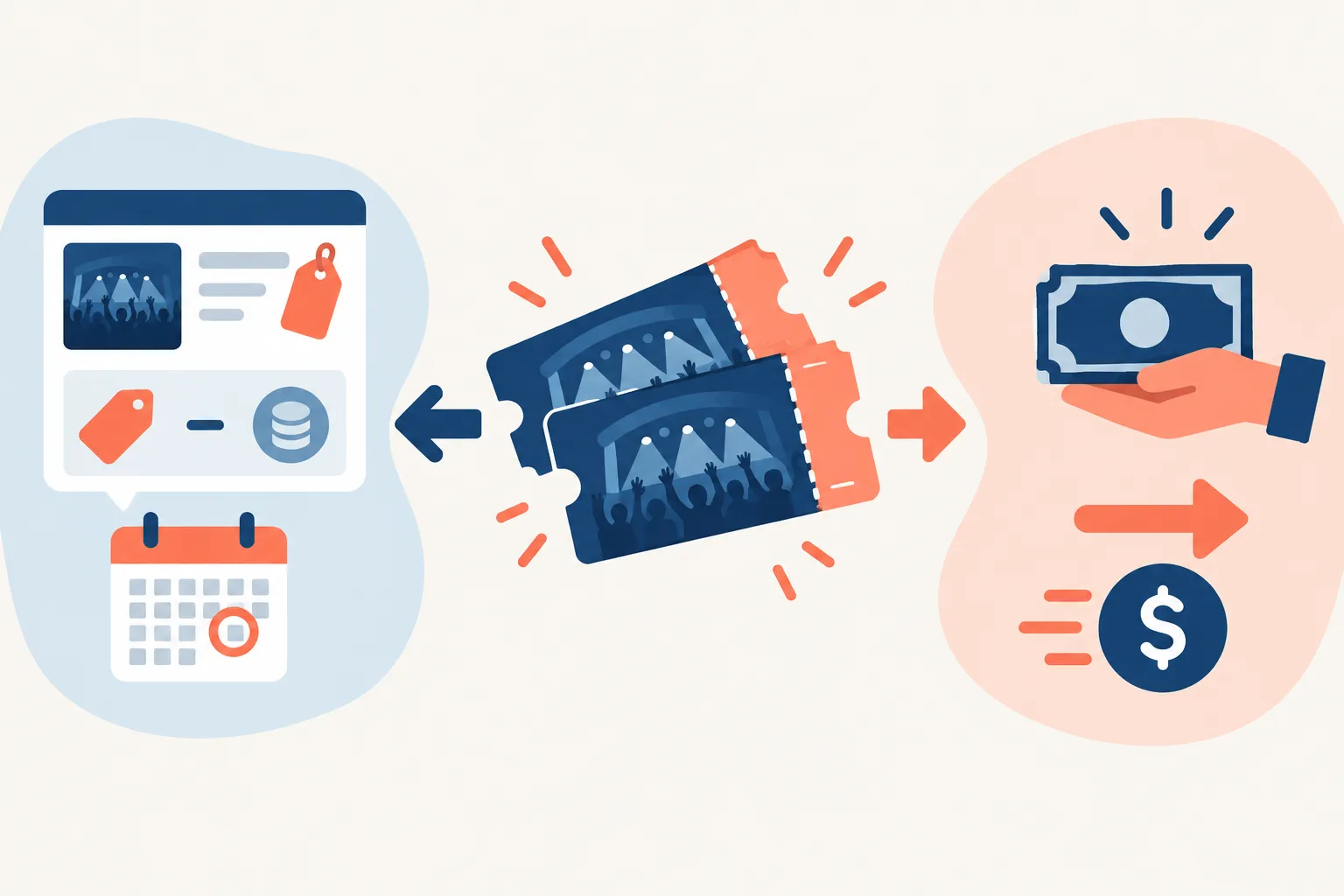
WeBuyTickets buys tickets directly. Submit the ticket details, consider the offer and transfer the tickets if you accept it. Its terms make payment conditional on offer acceptance and successful transfer. You skip the wait for a marketplace buyer, though the offer may be lower than what a successful StubHub listing could bring.
Seller question | StubHub | WeBuyTickets |
|---|---|---|
Who buys the ticket? | A marketplace shopper, if your listing sells | The direct-buy service, if you accept its offer |
Who sets the price? | You set the asking price, subject to what buyers will pay | You decide whether the offered amount works for you |
Do you create a listing? | Yes | No |
Is there a seller fee? | Yes, deducted after a sale | No seller fee |
When is payment available? | Payout is typically processed within eight business days after the event | Payment through PayPal or Venmo shortly after an accepted offer and successful transfer |
Main limitation | Sale is uncertain and payout waits until after the event | The offer can be less than a successful high-priced marketplace sale |
Choose a direct offer if you want to know what you can get now. If you can wait and handle the listing and delivery, you may prefer to try for a higher take-home amount on a marketplace.
What if you list on SeatGeek or Ticketmaster instead?
SeatGeek and Ticketmaster also require a buyer. Neither listing turns a ticket into cash right away. Their published terms put the fees and payout timing side by side:
Marketplace | Published seller fee | Published payout timing |
|---|---|---|
StubHub | Varies; the listing displays expected payout | Typically processed within eight business days after the event |
SeatGeek | 10% when a ticket sells | Sent within 48 hours after the event, then up to five business days to appear in a bank account |
Ticketmaster | A service fee is collected after a sale; no universal rate stated in its help page | Typically deposited within seven business days after the event |
SeatGeek's seller instructions give its fee and payout timing. Ticketmaster explains its selling fee and payment schedule separately. These are published timelines, not a guarantee that a particular listing will sell.
How to choose before the event
You have weeks and can transfer the tickets: A marketplace listing gives you room to try your price. Use the expected payout to judge it, knowing you still need a buyer and will wait until after the event for processing.
You need an answer soon: Ask for a direct offer. Weigh it against a realistic net marketplace payout, including the possibility that no one buys your listing.
The event starts soon: A last-minute buyer will not make StubHub's payout arrive before the show. If you can transfer the tickets, a direct buyer may suit the deadline better.
The tickets have delivery restrictions: Find out what the original provider permits before you commit to a sale. Neither route can fix an invalid transfer.
The verdict
StubHub works when you want to name your price and can wait for a buyer and a post-event payout. Factor in the sell fee, the possibility of no sale and the cost of a failed delivery or cancellation.
If you want to skip the listing, get a direct offer from WeBuyTickets. Accept it if the amount works for you, transfer the tickets and avoid a seller fee and the wait for a marketplace buyer.
FAQ
What are the differences in seller fees between SeatGeek and StubHub?
StubHub's sell fee can vary, and its listing shows your expected payout. SeatGeek says it charges a 10% seller fee when tickets sell. Compare the take-home amount for the same tickets rather than assuming StubHub uses SeatGeek's rate.
What payment methods does StubHub accept?
If you mean seller payouts, StubHub supports PayPal as a payout option and says it does not add a fee for being paid through PayPal. Set up your available payout method in your account before you sell; payment is typically processed within eight business days after the event.
How does StubHub compare to Ticketmaster?
For sellers, both let you list without paying upfront and deduct a fee after a sale. StubHub says payouts are typically processed within eight business days after the event; Ticketmaster says it typically deposits seller payouts within seven business days after the event. Neither marketplace guarantees your listing will sell.