SeatGeek Seller Fees Explained
Published September 29, 2026 · Updated September 29, 2026
Read SeatGeek Seller Fees Explained to calculate your net payout, learn when SeatGeek pays, and compare listing with a direct ticket offer.
If you are selling tickets on SeatGeek, start with what you will take home after seller fees and when you will get paid. You may earn more by listing than by accepting a direct offer, provided someone buys your tickets before the event. Compare the net payout with a direct offer if you cannot afford to wait.
What do SeatGeek seller fees actually mean?
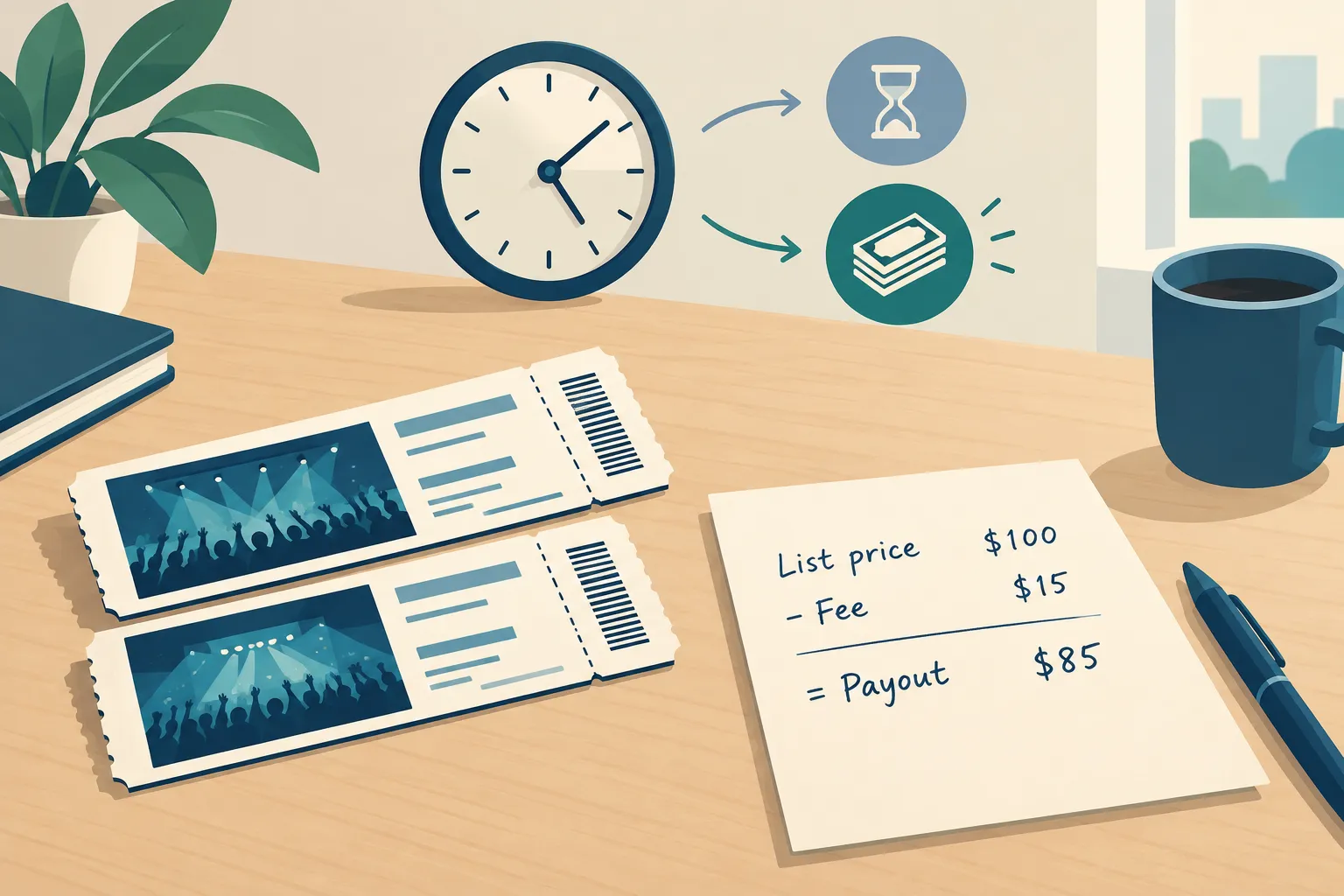
“SeatGeek fees” can mean the cost to list, the cut from a completed sale, or the fees included in a buyer’s price. If you are selling, focus on the cut from your payout. A buyer’s all-in price does not tell you what you will receive.
SeatGeek lets eligible ticket holders choose their asking price. To list, its selling instructions tell you to open Tickets, select Sell, add your price and payout method, and review the details. Compare the payout shown there with any other offer. SeatGeek’s current instructions do not give one seller-fee rate that applies to every listing.
"If you do not see a Sell button, your tickets may not be eligible for resale or may not be ready to list yet." - SeatGeek Support
Figure | What it tells a seller | What it does not tell you |
|---|---|---|
Asking price | What you choose to ask for your seats | Your final payout or whether anyone will buy |
Seller payout preview | The amount shown for a sale at the specified price after seller-side deductions | A guaranteed sale or instant payment |
Buyer-facing price | The price a fan sees, with applicable buyer-side charges included in an all-in display | The amount you personally receive |
SeatGeek describes listing as free. Once the tickets sell, a seller deduction can reduce your payout. The all-in price shoppers see may include buyer fees too, so compare the net in your listing details instead.
Calculate your actual take-home amount
Calculate expected marketplace net = sale price minus seller-side deductions. Compare it with a direct offer you could accept now. To see whether you would recover your spending, subtract your original ticket cost from each amount. Fees you paid on the original purchase still count toward that cost.
Say you list two tickets for $200 total and see a $180 net payout. A direct buyer offers $165 for the pair with no seller fee. You could make $15 more through the listing if someone buys at your price. These figures illustrate the comparison; they are not a current SeatGeek fee calculation or a live offer.
Route in the example | Potential cash received | What has to happen first |
|---|---|---|
Marketplace listing | $180 if the pair sells at $200 | A buyer buys, you fulfill the sale, and the payout is processed |
Direct-buy offer | $165 if you accept that offer | You accept and transfer the eligible tickets |
Lower your asking price and your payout will shrink too. Run the calculation again each time you change it. If you are selling several games from a season package, price each game on its own merits; a popular matchup will not set the value of the next one.
When does SeatGeek pay sellers?
Getting an order notification is not the same as having spendable cash. SeatGeek’s post-sale instructions say payment is sent 2 business days after the event, and funds typically arrive within 5–7 business days. A ticket whose barcode is in your SeatGeek account may be delivered automatically; third-party mobile tickets may require you to transfer them and confirm the transfer. Add a valid payout method and provide required tax information to avoid delays.
"Payment is sent 2 business days after the event." - SeatGeek Support
Near showtime, you can sell the tickets and still wait until after the event for SeatGeek to send payment. If your listing has no buyer, you have earned nothing from it. Put time to payment beside the net amount when comparing your options.
SeatGeek versus other ways to sell tickets
On SeatGeek or StubHub, you set a price and wait for someone to buy your listing. Ticketmaster also allows resale for eligible tickets, subject to event rules. With WeBuyTickets, you submit your ticket details for a direct offer instead of posting a listing.
Route | How the sale starts | Pricing and deductions | Main trade-off |
|---|---|---|---|
SeatGeek marketplace | List eligible tickets and wait for an order | You set an asking price; use the seller payout preview for the amount after applicable deductions | Potential upside depends on finding a buyer |
StubHub marketplace | List tickets and wait for an order | Set a listing price and compare the displayed net in its seller flow | You manage the listing and must complete a sale |
Ticketmaster resale | Use resale where the event permits it | Available price and resale rules depend on the event; use its seller payout display | Some tickets cannot be resold there |
WeBuyTickets direct buy | Submit details, review an offer, then transfer if you accept | No seller fee; the offer is the amount to compare with marketplace net | The offer may be lower than a successful high-priced listing |
If demand looks strong and you have time to change your price, a marketplace gives you a shot at a higher payout. A direct offer may pay less than a successful listing, but you can decide whether to sell without waiting to see if a buyer appears.
Choose based on your deadline, not the asking price
Before you list anywhere, make sure the ticket is eligible for resale or transfer. On SeatGeek, a Sell button must appear in your account and you must already have the tickets. Its instructions say tickets not yet delivered cannot be listed; some physical tickets, wristbands, PDFs and screenshots may also be ineligible. SeatGeek lists a limit of 8 tickets for individual resale listings unless your account qualifies for a higher tier. Do not promise delivery you cannot make.
You have time and a high-demand seat: Look at comparable seats in the same section and date, then set a realistic asking price. Compare the payout preview with a direct offer before committing.
You have limited time: Work backward from event start. A listing is not a guaranteed sale, and even a completed sale may not put money in your account immediately.
You care most about certainty: Request an offer rather than treating the best possible list price as cash in hand. Compare the exact offer with the marketplace net you would accept, not with an optimistic asking price.
If you would rather skip the listing, submit your ticket details to WeBuyTickets in about 60 seconds. You can receive an AI-powered offer within minutes, then transfer the tickets if you accept. WeBuyTickets pays via PayPal or Venmo shortly after transfer, charges no seller fees, and accepts last-minute submissions up to event start time. Your offer depends on the tickets; some may not qualify, and a successful marketplace listing could pay more.
Bottom line
SeatGeek can make sense when you can wait for a buyer and its displayed seller payout exceeds what a direct buyer offers by enough to justify that wait. If the event is close or you simply want to be done, compare the actual net against a direct offer. Submit your tickets to WeBuyTickets to see the offer before deciding whether listing is worth your time.
FAQ
How to avoid SeatGeek fees?
You cannot assume a SeatGeek listing will have no seller-side deduction. Read the payout preview before posting. If you want a route without seller fees, compare a direct-buy offer with the net you would receive from a marketplace sale.
Is it better to sell on StubHub or SeatGeek?
For an eligible ticket, compare each platform’s seller payout at a realistic asking price and account for the time you have left to sell. Neither asking price guarantees a sale. If you need a firm decision quickly, also compare a direct offer.
How much does SeatGeek charge to sell your tickets?
Use the seller payout preview for your particular listing rather than assuming an old flat percentage applies. Subtract the displayed net payout from your asking price to see the seller-side deduction at that price. Buyer-facing fees are a separate question.
What is the best site to sell tickets on?
It depends on whether your priority is a potentially higher selling price or a quick, certain transaction. A marketplace suits sellers with time to find a buyer; a direct-buy option suits sellers who value an offer without waiting for a listing to sell.