Same-Day Ticket Resale Deadlines for Sellers
Published October 27, 2026 · Updated October 27, 2026
Compare the best place to sell tickets last minute by listing cutoff, transfer rules and payout timing across marketplaces and direct offers.
If the show is tonight, start with the tickets in your account. Can you sell or transfer them right now? The best place to sell tickets last minute depends on that answer, how fast you can deliver and when you need the money. A listing won't pay you unless someone buys.
Three clocks matter on event day
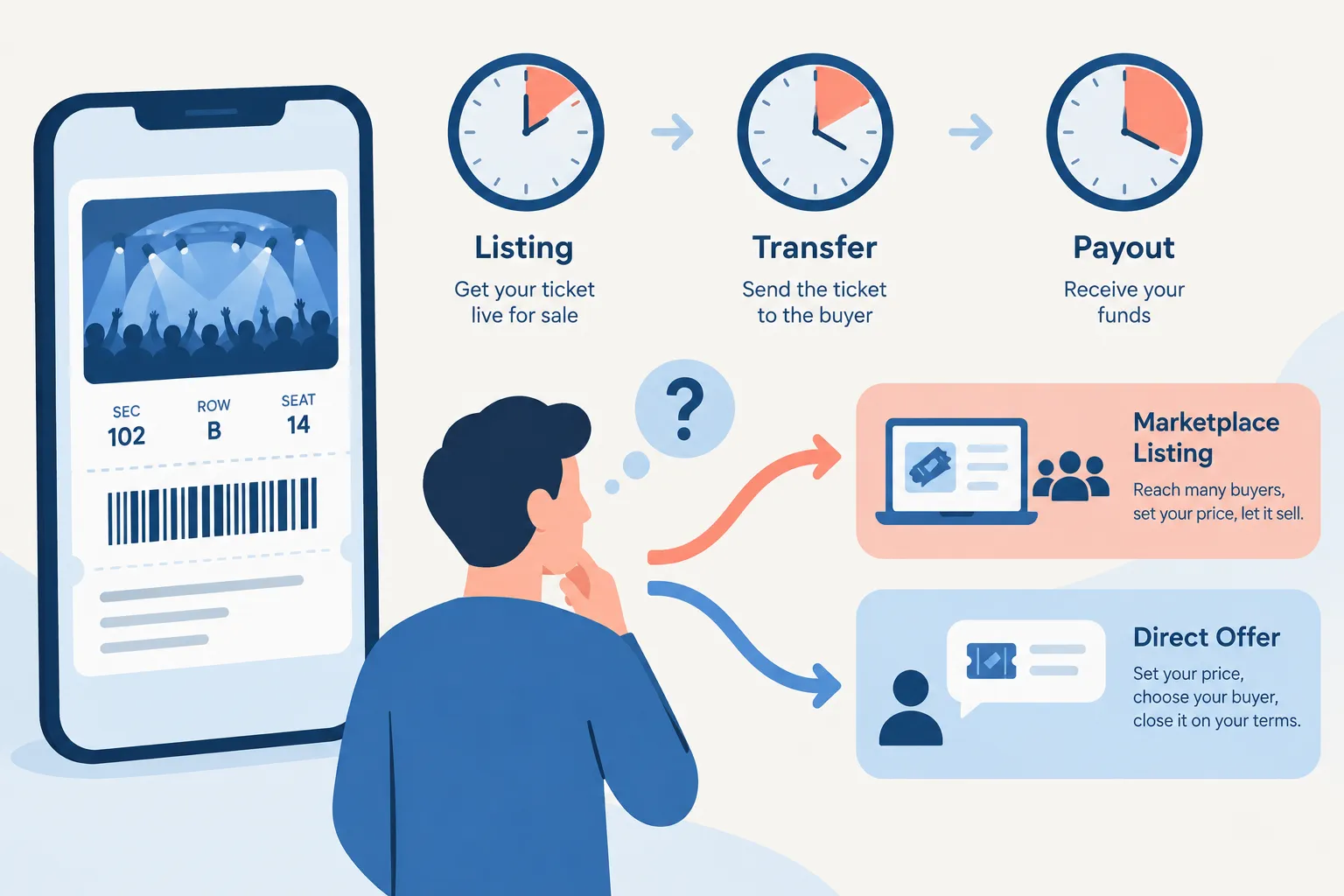
Listing cutoff is when a platform stops accepting or showing your listing. Transfer or delivery deadline is when the buyer needs usable tickets. Payout timing is when you receive the money. Each can differ from the event start time. The organizer may also restrict resale or transfer, even if a marketplace accepts listings for the event.
Route | What is documented about selling today | Transfer or delivery | When money arrives |
|---|---|---|---|
Ticketmaster resale | Your event's Sell button shows eligibility; the organizer can change availability. No universal event-day cutoff applies here. | Use the options shown for your tickets. | Typically within 7 business days after the event. |
Ticketmaster instant offer | An offer appears only if available for your tickets; it can disappear. | Accept the offer through the event in your account, rather than finding a buyer yourself. | Ticketmaster says an accepted offer is typically paid within 7 business days. |
StubHub | Its seller guidance allows eligible tickets to be listed with later delivery if you do not have them yet; that is not a promise of a same-day listing window. | Use the delivery date and method shown for the listing. | Do not assume payment when a buyer clicks purchase; review the payout terms shown in your seller account. |
SeatGeek | Eligible tickets have a Sell flow. Unsold listings expire; no single cutoff is stated for every event. | Confirm that the tickets can be sold or sent, then follow sale instructions. | For third-party tickets, typically sent 2 business days after the event and received within 5–7 business days. |
TickPick | A last-minute listing process exists, but no universal event-day cutoff or payout schedule is established. | Follow the order's delivery instructions. | Payout timing is not established here. |
WeBuyTickets | Submit details for a direct offer instead of creating a public listing; availability still depends on the tickets. | You must be able to transfer usable tickets under the event's rules. | WeBuyTickets describes PayPal or Venmo payment shortly after a completed transfer and acceptance, rather than waiting for a marketplace buyer. |
Even if a marketplace lets you post, the ticket may have transfer restrictions. You still have to meet the sale's delivery deadline.
"Not all events or tickets are available for resale, and the resale options may be turned off or turned on at any time at the Event Organizer’s discretion." - Ticketmaster
Best place to sell tickets last minute: available routes
Ticketmaster: start with the original order
Open your event in Ticketmaster and select Sell. If the organizer has disabled resale, you'll see a message instead of a listing option. The organizer can switch resale on or off. Ticketmaster also excludes third-party events for which it isn't the primary ticketing company.
If you see Sell Your Tickets Now, you may have an offer. Compare it with your likely listing proceeds. Accepting removes the wait for a buyer, but cash does not arrive instantly: Ticketmaster says payment for an accepted offer is typically within 7 business days. An offer may disappear. Standard listing-sale payout is typically within 7 business days after the event, provided the seller steps are complete.
StubHub: useful if you can deliver exactly as promised
StubHub's seller instructions let you choose later delivery if you know you'll receive the tickets. That doesn't tell you whether transfer will open before tonight's doors. Choose a delivery method and deadline you can meet; a buyer may need those tickets sooner than you expect.
Note the displayed sale end time and delivery requirement before posting. Selling through StubHub does not mean you'll receive payment today.
SeatGeek: check eligibility before setting a price
SeatGeek's selling flow asks you to choose tickets, split options, a price and payout details. Some tickets cannot be sold or sent. If yours can't, the fact that they appear in your account won't change that. Unsold listings expire without a sale.
For tickets issued elsewhere, the transfer instructions are especially important. SeatGeek's third-party ticket guidance says it typically sends payment 2 business days after the event; funds arrive within 5–7 business days. That schedule won't put money in your account before tonight's show.
More last-minute selling options
TickPick: price only after you know the delivery window
TickPick has a process for listing last-minute tickets. For tonight's event, you need the seller flow to accept your listing, and you need time to deliver. Use the times shown for your event and order instead of assuming one cutoff applies to all shows. Compare your net proceeds if price matters more to you than a fast sale.
WeBuyTickets: ask for a direct offer if waiting is the problem
With WeBuyTickets, you submit ticket details and review a direct offer. If you accept, you transfer the eligible tickets. The service describes offers within minutes, no seller fees and PayPal or Venmo payment shortly after the completed transfer. You may get less than you could from a patient marketplace buyer, but you won't need to manage a listing. Ticket eligibility and offer acceptance still determine whether you can sell.
Event-day decision checklist
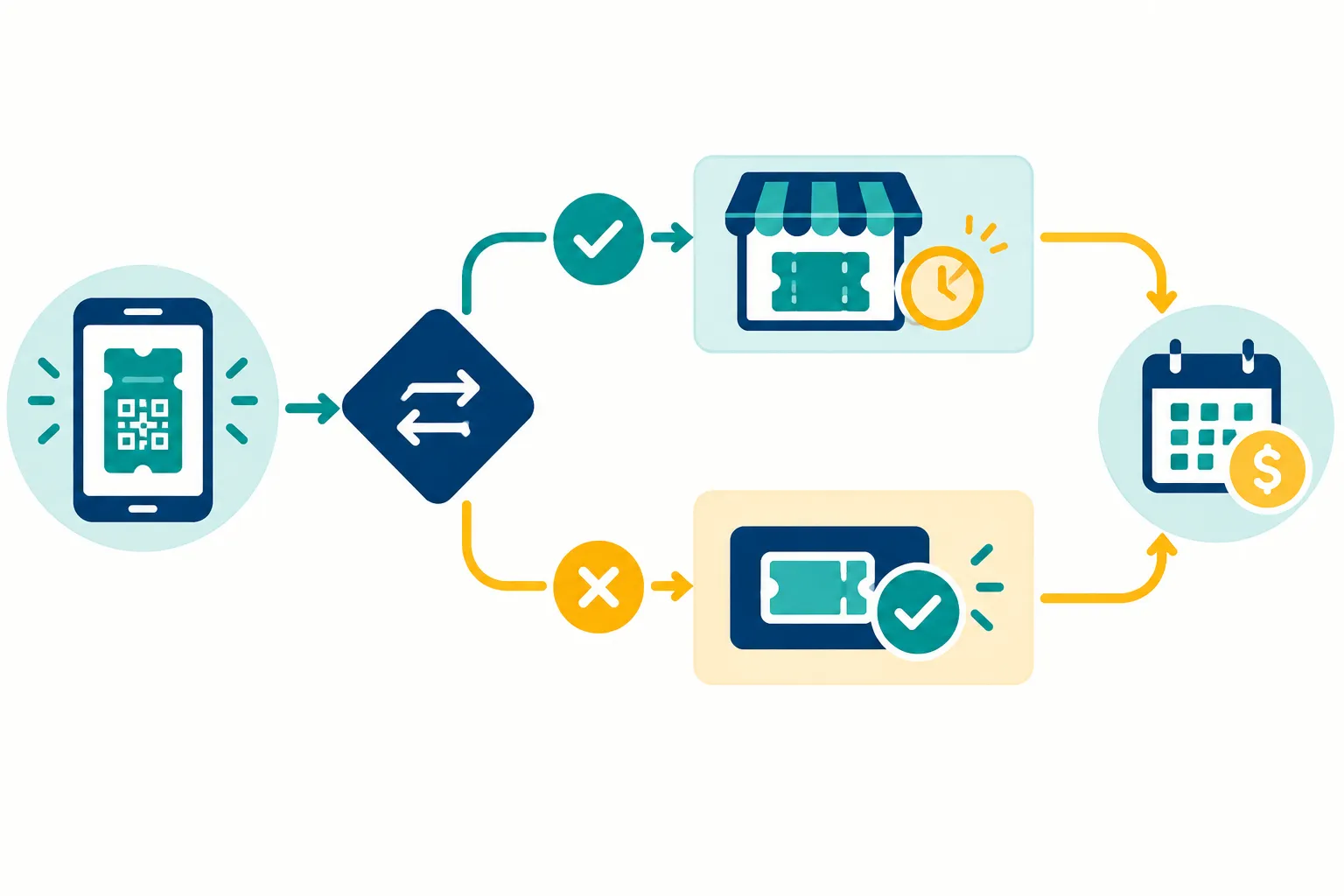
Open the original ticket order. Are Sell and Transfer active? Look for organizer restrictions on your ticket type. A screenshot of a barcode can't replace a permitted ticket transfer.
Read the event's delivery rules. Write down the listing end time, then the buyer's delivery deadline and required method. Those times need not match the show's start.
Decide how long you can wait. A direct offer removes the wait for a buyer if one is available and you accept it. On a marketplace, you choose the asking price, but the listing might expire unsold.
Compare what you'll keep and when you'll get it. Use the displayed seller proceeds and payout method, not the asking price. Even if you sell today, payout can follow the event.
Avoid a double sale. Remove other live listings after accepting an offer or completing a sale. Keep the delivery confirmation.
For a broader platform comparison, see Best App to Sell Concert Tickets once you know which routes are open for your tickets.
Which route makes sense right now?
Start on the Sell screen if Ticketmaster issued the ticket. You'll see whether you can use its resale option or accept an available offer. If the ticket is transferable, StubHub, SeatGeek or TickPick may work, provided you can deliver on time. You can also request a WeBuyTickets offer and weigh the amount against the wait and payout timing on a marketplace.
The best way to sell tickets last minute starts with a workable transfer. Then consider the price you'll accept and the day you'll be paid. WeBuyTickets is worth a try if you'd rather get a direct offer than wait for a marketplace buyer: you can request one without a listing or seller fees.
FAQ
How to sell Ticketmaster tickets on SeatGeek?
First see whether the Ticketmaster event allows transfer and whether SeatGeek accepts that ticket type. If both options are available, follow SeatGeek's listing and delivery instructions; a ticket in your Ticketmaster account alone does not establish that it can be delivered to a SeatGeek buyer.
Can I resell a ticket on TickPick?
TickPick provides a ticket-listing process, but your ticket must be eligible and deliverable under the event's rules. For an event today, use the listing and delivery times shown in the actual seller flow rather than assuming every event has the same cutoff.
Is it difficult to resell concert tickets?
It depends on whether resale and transfer are enabled, how soon the buyer needs delivery and whether anyone accepts your price. A marketplace listing can remain unsold; an available direct offer avoids waiting for a buyer, but you still need eligible tickets and must accept the offer.