Private Ticket Sales: Safe Ways to Sell Direct
Published October 14, 2026 · Updated October 14, 2026
Explore private ticket sales: check transfer rules, handle payment safely, avoid scams, and compare direct offers with public resale listings.
Private ticket sales let you sell an unused event ticket without posting a public listing. You can arrange a sale with someone you know or take an offer from a ticket buyer. First, find out whether the ticket can be transferred to another account. Then agree on the price and payment terms, use the issuer’s transfer tool, and keep a record of the handoff. If you need cash soon and have no buyer lined up, a direct offer saves you the wait.
If your ticket is in Ticketmaster, this walkthrough shows the transfer step:
What counts as private ticket sales?
A private sale happens outside an open marketplace listing. You might sell an extra concert seat to a friend or a season-ticket game to someone in your group. You can also sell to a service that buys tickets directly. In each case, you avoid listing the ticket and waiting for a stranger to purchase it before the event.
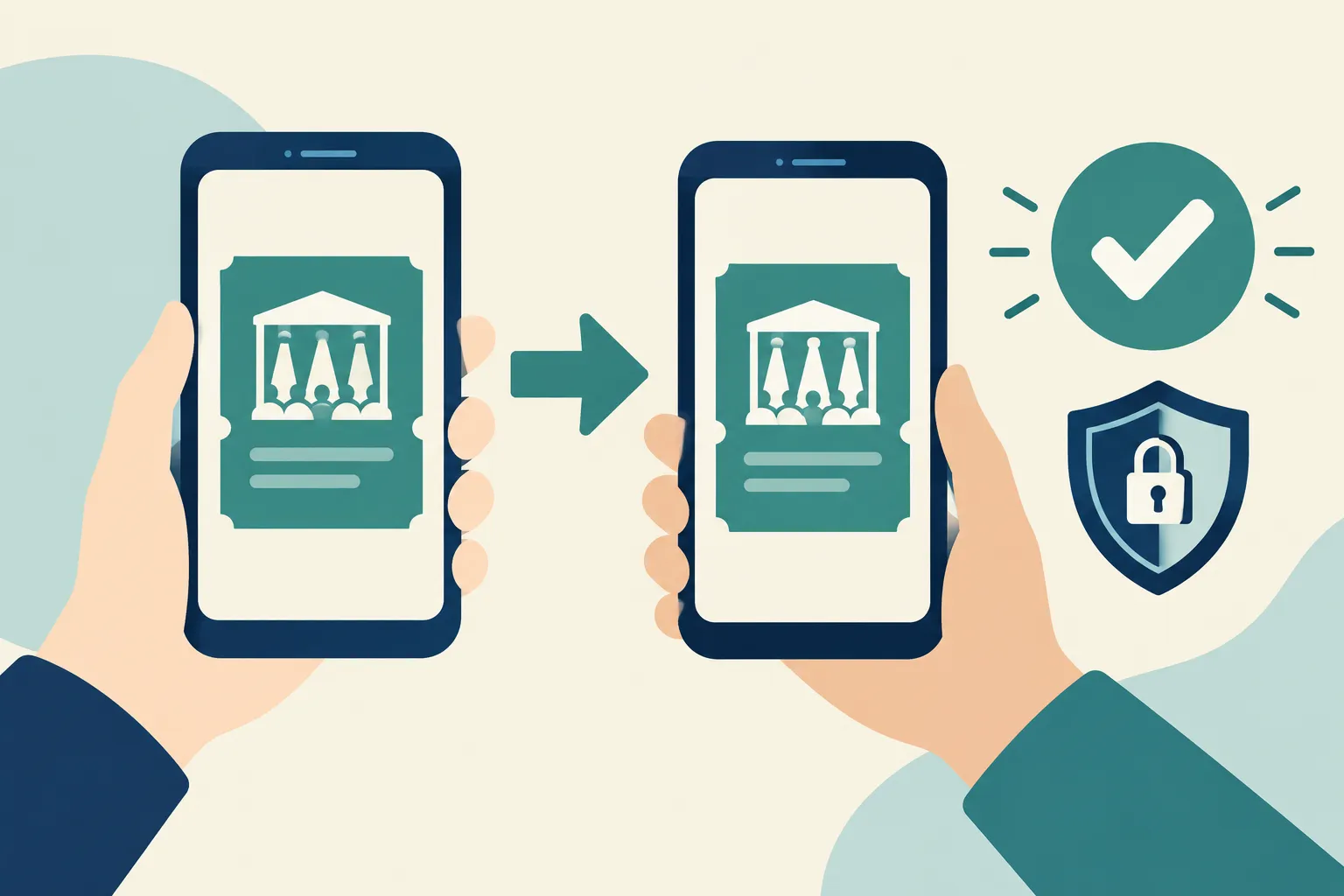
Private selling makes sense when you already have a buyer or care more about a quick sale than setting the highest possible asking price. Event rules still apply: an agreement between two people cannot make a nontransferable ticket transferable.
Before you promise the ticket
Open the ticket in the original issuer’s app or account and look for the Transfer option. Note whether you have a mobile-transfer ticket, a PDF or a physical ticket. If transfer is unavailable, do not promise instant delivery. Event rules may restrict the ticket, and a screenshot of a barcode is no substitute for a valid transfer.
Have the event date, section, row, seat numbers and quantity in front of you. Include any restrictions or obstructed view. Make sure you have not promised the same ticket to someone else. For season tickets, open the particular game and seats you plan to sell; transfer settings may differ across the package.
The buyer may need an account with the original ticket provider under the email address you enter. Ask which address they use there and explain that they may need to accept the transfer. Keep an eye on the status after you send the invitation.
If the transfer button is missing
Do not collect payment assuming the transfer button will appear later. Look at the ticket in the issuer’s account rather than a forwarded email or wallet preview. An unavailable option could reflect event restrictions or a later delivery schedule. A marketplace may display a ticket for sale even when you cannot deliver it yet.
Tell the potential buyer what you can deliver and when. If you cannot arrange a workable handoff, pause the sale. Sending your login details or a picture of the barcode will not solve the problem. A delayed transfer may leave too little time for a private handoff, especially for an event about to start. With season tickets, check each game separately.
How to sell tickets privately, step by step
Agree in writing on the tickets, total price, payment method, delivery email and transfer timing. Keep the conversation in one thread.
Choose a payment method that records the transaction. If you are selling to an individual, use a method suited to a sale and read its rules on ticket payments and disputes.
Open the payment app or website yourself to see whether the money arrived. An emailed “payment pending” notice or screenshot is not enough. Settle the handoff order before either person sends anything, and refuse requests for a release fee.
Select the seats in the issuer’s account and transfer them to the agreed email address. Do not send your account credentials or put a reusable barcode in a public chat.
Save the agreement, transaction ID and transfer confirmation. If the issuer shows whether the buyer accepted, save that too; the recipient details and timing may matter in a dispute.
With a direct-buy service, you provide ticket details, review an offer, transfer the tickets as instructed and receive payment under the service’s terms. There is no public listing to write or string of buyers to negotiate with.
What should your agreement say?
Put the seat numbers, total price, payment-service charges, recipient email and handoff order in one message. If you are selling several seats, say whether the buyer must take all of them. Decide what happens if the issuer blocks the transfer. “I’ll send them later” leaves the deadline and any refund unsettled.
Your payment app records the money; the issuer’s transfer history records the ticket delivery. Save both, along with the buyer’s confirmation of receipt if they send one. If the buyer changes the recipient address after paying, resolve the change in the same message thread before you transfer.
Scams and payment disputes to watch for
A buyer may send a convincing but fake payment screenshot, claim that a transfer is needed to “verify” the ticket, or pressure you to leave the agreed payment channel. Treat unexpected links, overpayments and requests for one-time login codes as reasons to stop the sale. Never grant access to your ticketing account.
"A fake payment notification is a documented seller scam: a purported buyer sends one hoping the seller hands over the item before checking whether payment arrived." - Federal Trade Commission
Even after you see a payment, the payer could dispute or reverse it. Keep your agreement and delivery record, and read the payment provider’s dispute rules before sending the ticket. If you cannot confirm a last-minute payment in your own account, do not transfer.
If a transfer fails, do not send a screenshot as a quick fix for a mobile ticket. Work through the original issuer’s transfer process and tell the buyer what happened. This protects both sides from a ticket that does not work at entry.
For Ticketmaster transfers, the recipient gets a new barcode and the sender’s ticket is no longer valid for entry. Keep the transfer record as evidence of delivery. The buyer can still raise a separate payment dispute.
Private sale vs direct offer vs resale listing
Route | Who finds the buyer? | Price and payout | Work and trade-off |
|---|---|---|---|
Sale to someone you know | You do | You negotiate the price and agree on payment timing together | No public listing, but you handle payment, transfer and any disagreement yourself |
Direct-buy service such as WeBuyTickets | The service buys from you | You can accept or decline its offer; payment follows its transfer process | No listing or buyer search, but the offer may be less than what a patient seller could ask on a marketplace |
Public resale marketplace such as StubHub or SeatGeek | The platform exposes your listing to shoppers | You set or adjust an asking price; a sale and payout depend on platform terms | Wider buyer reach and pricing control, but listings take work and may not sell before the event |
Compare the amount you would receive, rather than the asking price on a listing. You only get that asking price if the ticket sells in time. A direct offer gives up some possible upside in exchange for a sale without managing a listing. A sale to another person avoids marketplace seller fees, though payment-processing costs and disputes may still affect your proceeds.
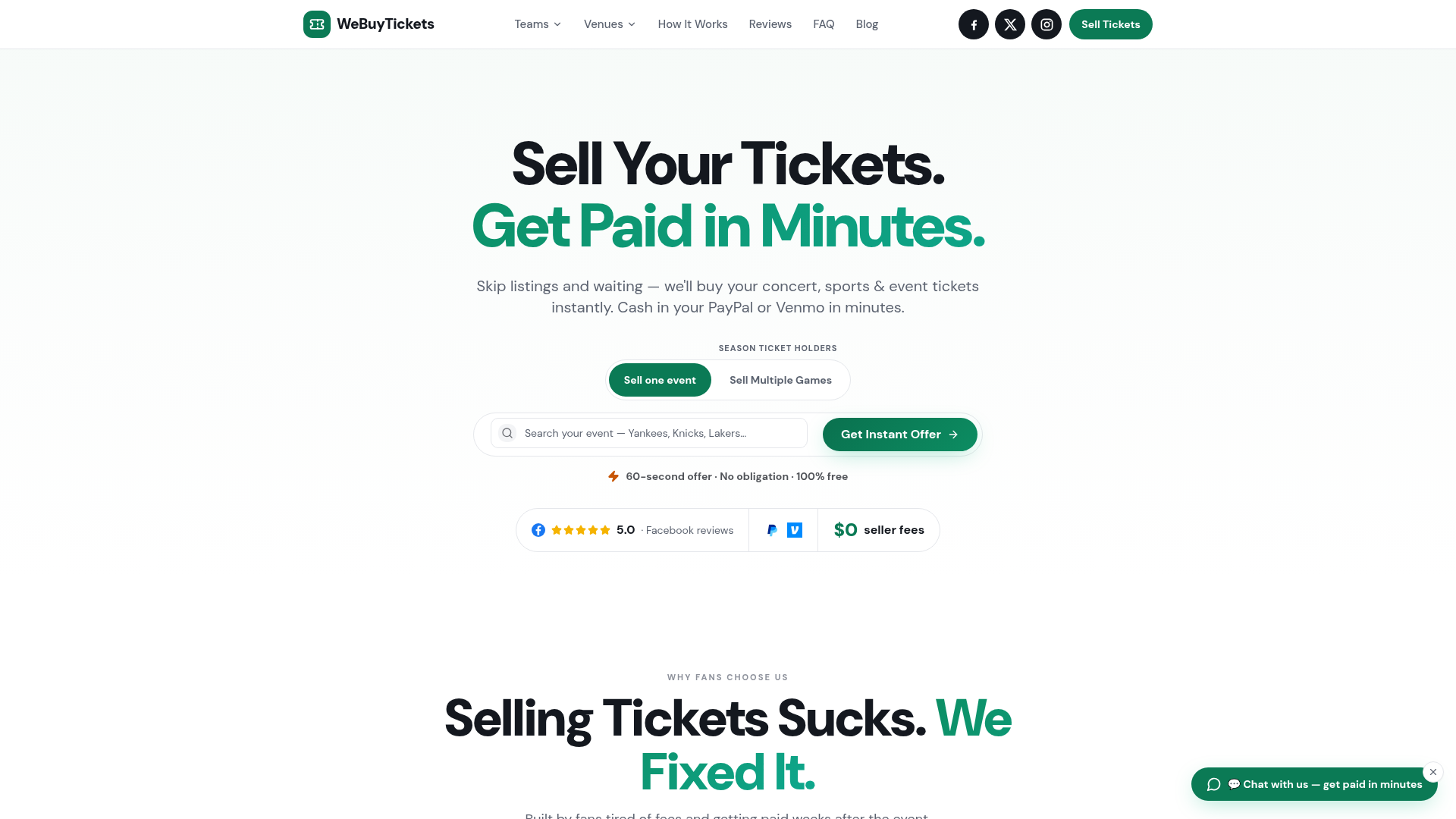
WeBuyTickets suits sellers who want an offer instead of a listing. Submit the ticket details and get an AI-powered offer within minutes; if you accept, transfer the tickets and get paid through PayPal or Venmo shortly afterward. There are no seller fees, and you can submit tickets up to event start time. You give up the chance to set a higher marketplace asking price and wait to see whether a buyer takes it.
Selling close to event time
If the ticket is transferable and someone wants it now, agree on a handoff and sell to that person. If you still need to find a buyer, a public listing might not sell before the delivery deadline. A direct offer avoids that wait if the service accepts your ticket and you can complete the transfer.
“Mobile ticket” does not necessarily mean “ready to transfer.” Look at its status before you commit. Close to the event, have the ticket details and recipient email ready; the recipient still needs time to accept delivery.
The simplest route for an unused ticket
Have a trusted buyer ready? Agree on payment in writing and transfer through the issuer. Otherwise, weigh the possible higher price of a marketplace listing against the time left before the event. If you would rather sell now, WeBuyTickets offers a direct purchase with no public listing, seller fees or wait for another fan to buy. Submit your ticket details and see whether the offer works for you before transferring.
FAQ
How do I sell my tickets fast?
First confirm that the tickets can be transferred, and have the event and seat details ready. If you already have a buyer, agree on payment and use the issuer’s transfer tool. If you do not, a direct offer from a ticket buyer can be faster than waiting for a public listing to sell.