How to Sell Tickets on Ticketmaster
Published October 9, 2026 · Updated October 9, 2026
Learn how to use Ticketmaster Sell to list eligible tickets, understand fees and payout timing, and decide when a direct offer is faster.
The Ticketmaster Sell button appears on eligible orders under My Tickets. Open your event, select the seats, set a price and review the payout before you publish. You only get paid if another fan buys them. Need the money sooner? A direct ticket buyer may suit you better.
Ticketmaster Sell button: when does it appear?
Sign in to the account that holds the tickets and open the order. On Ticketmaster.com, start in My Tickets; in the app, open the event in your tickets. Select Sell if it appears.
Seeing your ticket in the account does not guarantee you can resell it. Eligibility depends on the event, ticket type and organizer restrictions; sometimes the Sell option appears later.
Ticketmaster's selling instructions explain that artists, teams and venues determine resale availability. If Ticketmaster was not the primary ticket provider, Ticketmaster resale may not be available.
Bought through another site? Find out which account holds the ticket. A screenshot or order confirmation will not put it in your Ticketmaster account.
Why is the Sell button missing or greyed out?
An organizer may block resale for an event or a particular ticket, or limit the dates when you can list. Your order details and event notices may explain the restriction. Transfer sends a ticket to someone you choose; Sell puts it in the Ticketmaster marketplace.
How to sell tickets on Ticketmaster
Open the order. Sign in on Ticketmaster.com or in the Ticketmaster app and select your event under My Tickets.
Select Sell and the seats. Choose the eligible tickets you want to offer. If Sell is not shown for that order, you cannot create a Ticketmaster resale listing from it at that moment.
Set the asking price. Follow the price limits displayed for your event. Check the estimated amount you will receive, not just the price a buyer sees.
Complete seller details. Supply the payment and identity or tax information requested on screen. Missing details can hold up a payout.
Review and publish. Check the event, seat numbers, price and expected proceeds before submitting. Keep the sale confirmation or listing email for your records.
With Ticketmaster fan-to-fan resale, you set an allowed asking price and wait for a buyer. Ticketmaster does not buy the ticket from you; your account shows whether the listing is still active or has sold.
Ticketmaster resale fees and payout: what to expect
Ticketmaster does not charge you to create a listing. If it sells, Ticketmaster deducts a service fee from the selling price. Look at the net payout on the listing screen before you publish. Some events use a Face Value Exchange, which Ticketmaster says is free for sellers. Price limits also vary by event, so the screen for your order matters more than a general markup rule.
Question | What to look at before you list |
|---|---|
How much will I get? | The net payout shown on the final listing screen, after any applicable seller fees. |
When will I get paid? | Ticketmaster says payout is typically deposited within seven business days after the event, once seller requirements are complete. |
What if nobody buys? | The ticket remains yours unless and until it sells; a listing is not guaranteed cash. |
After a buyer purchases your listing, watch for Ticketmaster's sale notification. Seller requirements include a payout method, reimbursement card and tax details, where applicable.
"We'll deposit your payout typically within 7 business days after the event." - Ticketmaster Help
Need the money before the event? The usual Ticketmaster payout schedule won't meet that deadline.
What happens if your tickets do not sell?
Until someone buys your listing, the tickets are still yours. Open your account to see the listing status and, if the controls allow it, change the price or remove the listing. Check that status before planning to use or transfer the seats; a completed sale is a different matter.
You can lower the price to attract buyers, though that does not guarantee a sale. As the event approaches, buyers have less time to find your listing, and resale or transfer options may change.
When a direct sale makes more sense
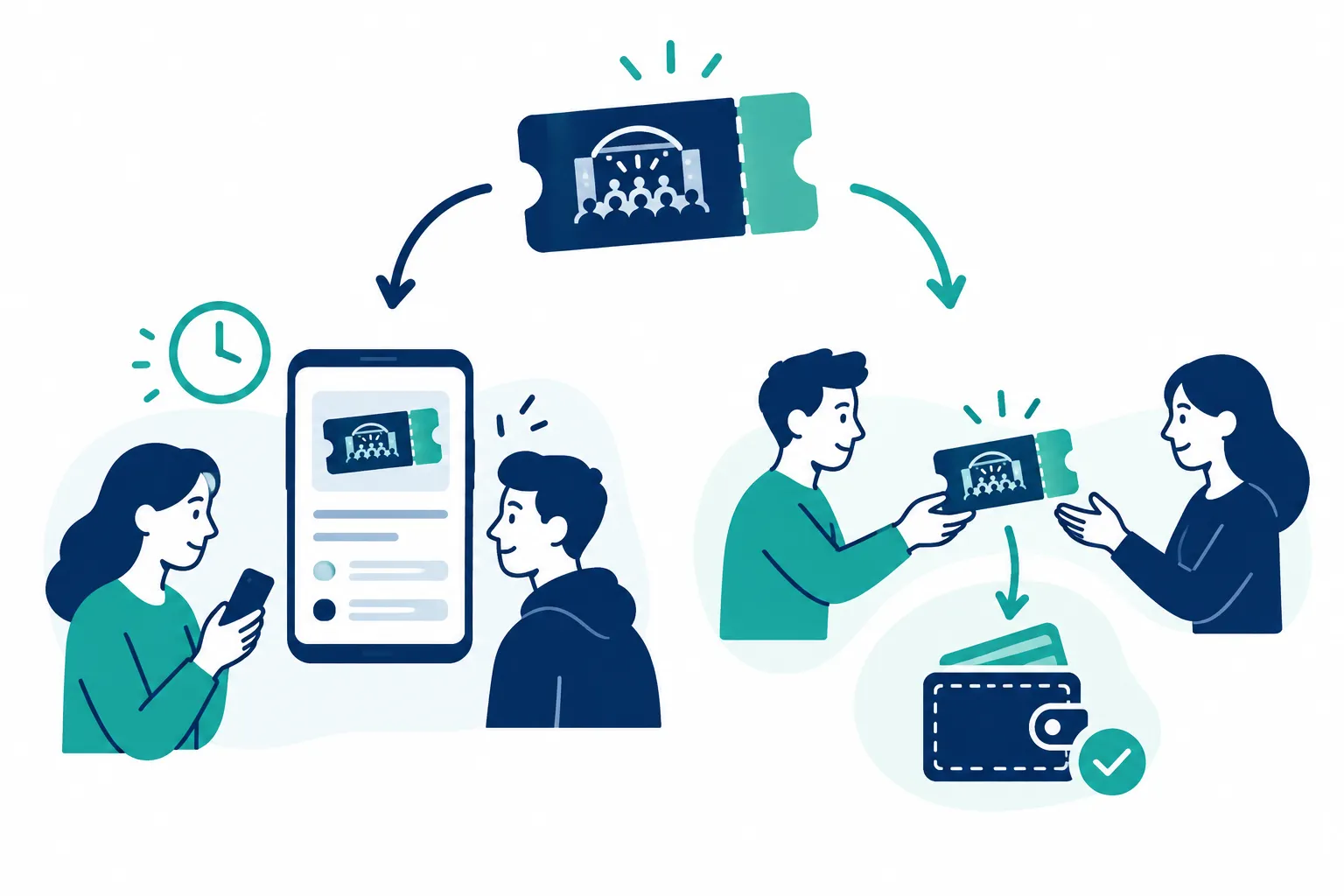
If you can wait, listing on Ticketmaster lets you set an asking price within the event's rules. For a definite offer without waiting for a fan to come along, a direct buyer is another route.
WeBuyTickets takes a different route: submit your ticket details in about 60 seconds, receive an AI-powered offer within minutes, and transfer the tickets if you accept. Payment is sent by PayPal or Venmo shortly after the transfer. It supports last-minute requests up to event start time, with no marketplace listing to manage and no seller fee. A direct offer may be less than a price you might achieve by waiting for a marketplace buyer.
Route | How the sale happens | Best for | Main limitation |
|---|---|---|---|
Ticketmaster resale | You list eligible tickets and wait for a fan to buy. | Sellers who can wait and want to choose an allowed asking price. | The listing might not sell; fees and payout timing need attention. |
WeBuyTickets direct offer | You submit details and decide whether to accept an offer. | Sellers who want to avoid listing and waiting for a buyer. | The offer might be lower than a successful marketplace asking price. |
Before accepting a direct offer, make sure your ticket has a transfer option and you can use the offered payout method. Buying directly does not override the organizer's ticket restrictions.
The bottom line
Use Sell in your Ticketmaster order if your ticket qualifies and you can wait for another fan to buy it. Read the net payout and payment terms before publishing. If waiting is the problem, try WeBuyTickets for a direct offer without a listing or seller fees, then decide whether the offer beats the uncertainty of the marketplace.