How to Sell Sports Tickets Online Fast
Published October 7, 2026 · Updated October 7, 2026
Sell sports tickets online faster with a direct offer or a smart listing. Compare fees, transfer rules and payout timing before game day.
If you need to sell sports tickets online before the game, a direct buyer can make an offer without waiting for a listing to sell. You can set your own asking price through official resale or a marketplace, but payment may arrive after the event. Whichever route you take, start by checking that the tickets can be transferred.
If your tickets are in Ticketmaster, this walkthrough shows how its transfer feature works:
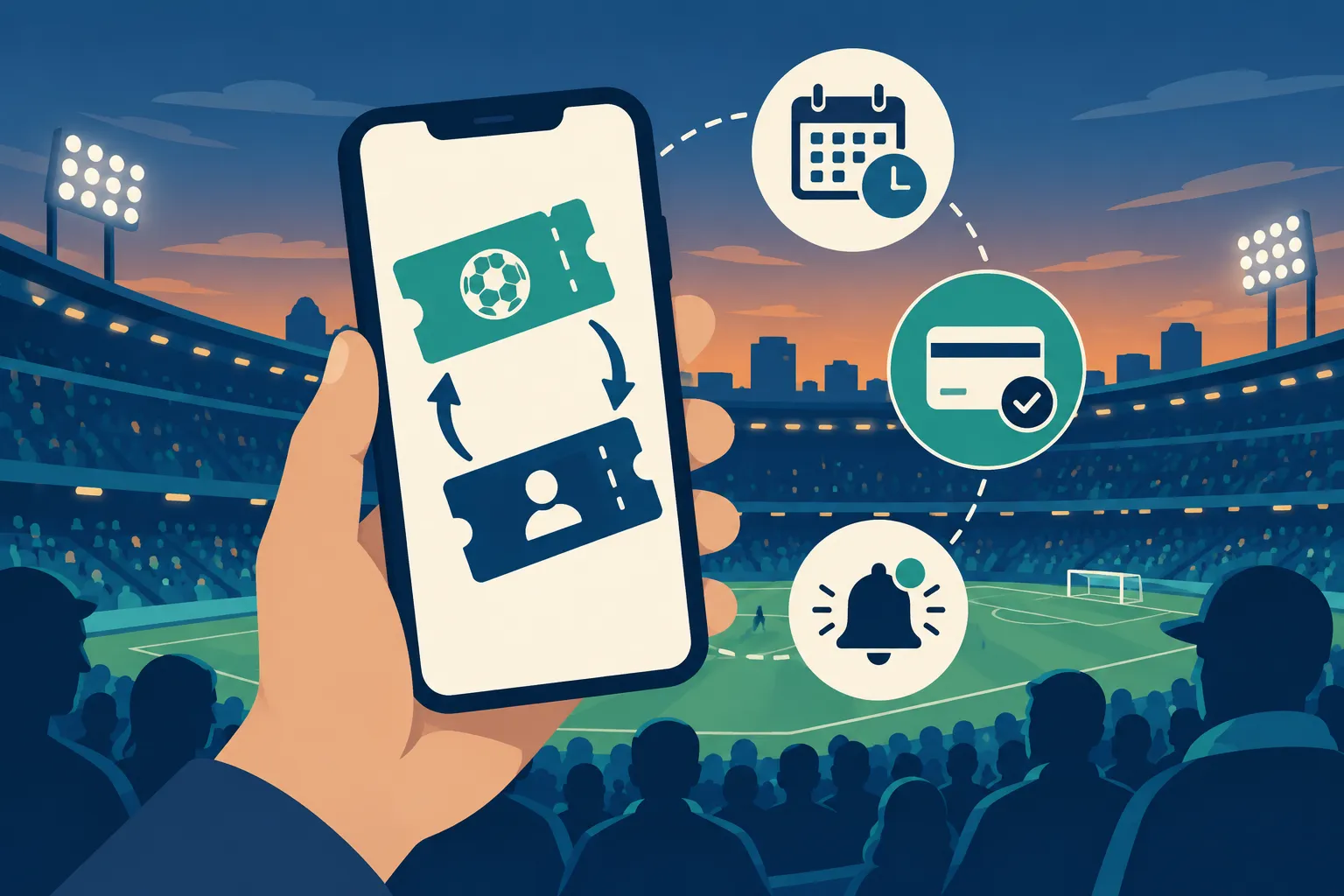
Choose the fastest route for your tickets
Route | What you do | What controls the sale | What controls payment | Main trade-off |
|---|---|---|---|---|
Direct buyer, such as WeBuyTickets | Submit ticket details and decide whether to accept an offer | Whether a buyer makes an acceptable offer | The buyer's transfer and payout process | Less opportunity to hold out for a higher listing price |
Official resale through the original ticket account | Set a price if resale is enabled and wait | Demand in the event's official resale channel | That channel's payout policy | Availability and pricing rules depend on the event |
Marketplace, such as StubHub or SeatGeek | Create and manage a listing | Your price, competing listings and buyer demand | The marketplace's payout schedule | Seller fees may reduce your net proceeds |
Sale to someone you know | Agree on a price and use the approved transfer method | Finding someone ready to pay | Your agreed payment method | You handle trust, payment and transfer yourself |
Decide when you need the money. A listing may bring in more, provided a buyer comes along, and the payout schedule still applies. An offer gives you a number to weigh against the wait.
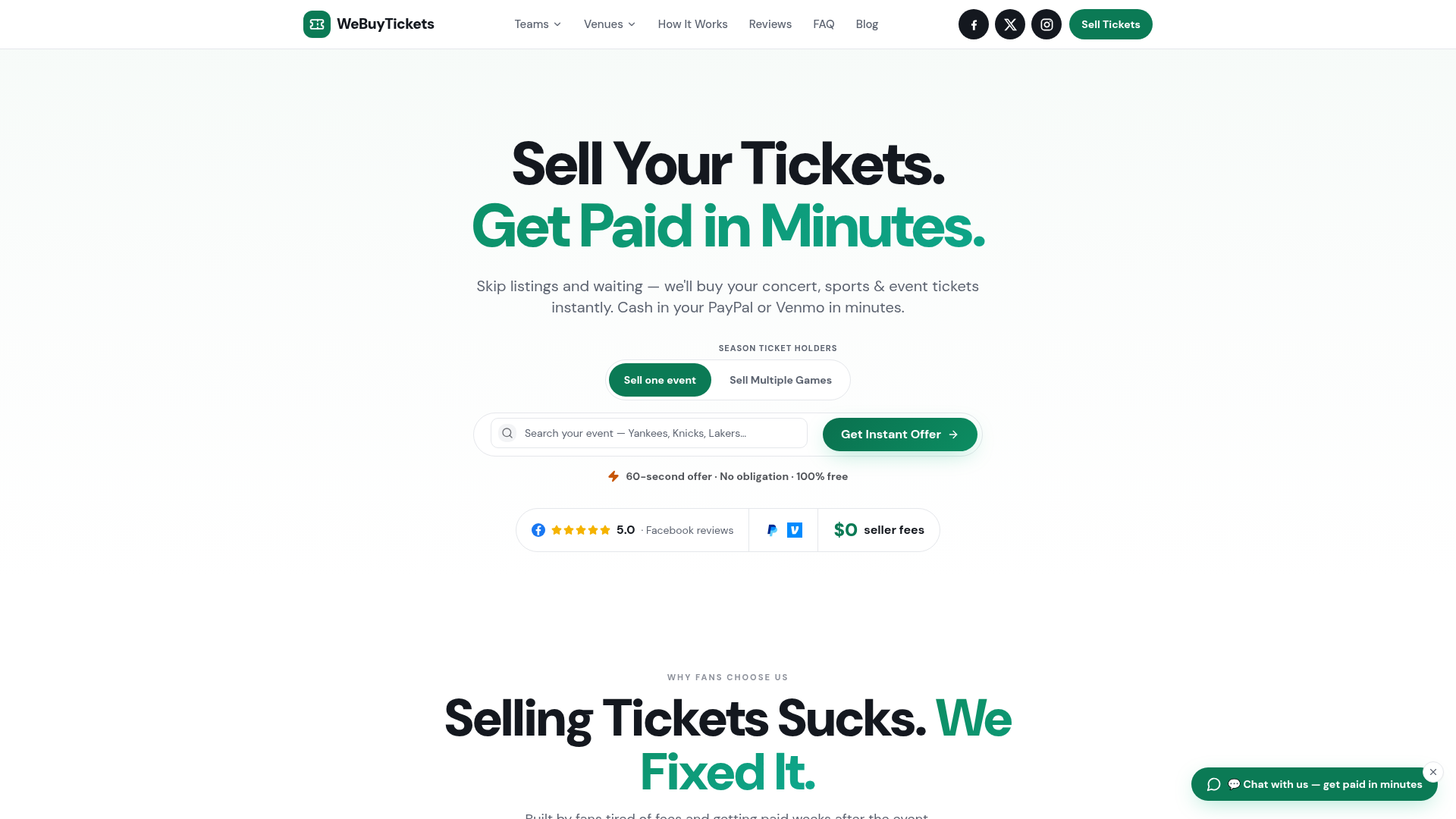
WeBuyTickets buys tickets directly. You send the event and seat details, consider its offer, and transfer the tickets if you accept. Its ticket submission takes about 60 seconds; the company says it charges no seller fees and pays through PayPal or Venmo after transfer. This suits sellers who want to skip the listing. If you have time to wait for a higher bid, you may prefer to list the seats yourself.
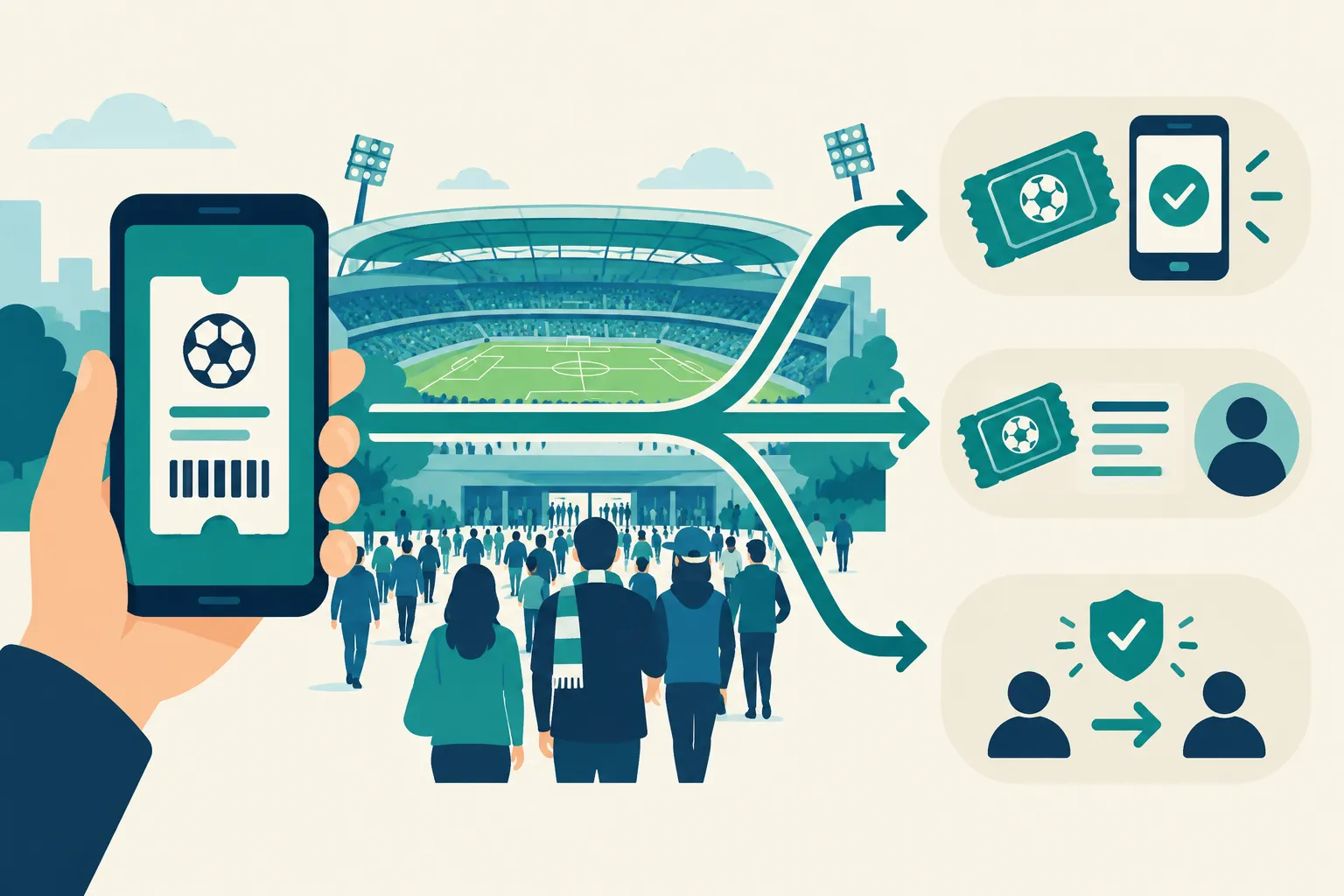
Check whether your tickets can be transferred
Find the game and seats in the account where your tickets live. Look for Sell and Transfer. Sell usually creates a listing on that platform; Transfer sends the ticket to another account. Make sure you can use the delivery method your buyer requires.
Resale restrictions and delayed transfers can affect specific games or ticket types. Ticketmaster says event organizers decide when transfers are allowed, and mobile-entry ticket screenshots are not accepted for entry. If Transfer is unavailable, sort out delivery before accepting a sale that requires it.
Have the order details ready, including the game, date, section, row, seat numbers and quantity. Say whether the seats are together. If parking or special access comes with the order, spell out which extras you are selling.
Price tickets to sell before the game
Start with seats for the same game in your section or with a similar view. The prices you see are asking prices, not completed sales. As game time nears, matching or undercutting comparable listings can help, though it cannot guarantee a sale.
Work backward from the amount you want to receive:
Net proceeds = sale price minus seller fees and other applicable deductions.
Say you need $100 after fees. Listing at $100 will fall short on a platform that charges a seller fee. SeatGeek says it collects a 10% seller fee when tickets sell, so a $100 sale there would leave $90 before other applicable deductions. Use the net payout shown when you list. Compare a direct offer to the net amount you could accept from a listing, allowing for the time spent waiting and managing it.
Prices can change as game time approaches. A high-stakes matchup may draw more buyers, yet each hour leaves them less time to arrange entry. Set a minimum net amount before the final hours if you would rather take a lower offer than leave the seats unused.
How to sell sports tickets online
If you need a quick offer
Send a direct buyer the event, quantity and seat details. WeBuyTickets makes an offer without asking you to post a listing or negotiate with shoppers. If the amount works for you, follow its instructions to transfer the tickets through an approved method and receive payment. This spares you the wait for a marketplace buyer.
If you want to use official resale
Open the account that issued your tickets. If you see a Sell option for the game, read the rules, deductions and payout terms shown there before posting. Ticketmaster says not all events or tickets are eligible for resale. Selling within the original ticketing system can simplify delivery. You still need someone to buy the listing.
If you want broader marketplace exposure
Enter the event and seat numbers on a resale marketplace, then review the delivery method and your payout after fees. If you listed the same seats elsewhere, remove that listing as soon as they sell. Otherwise, you risk an order you cannot fulfill.
Watch prices in comparable sections after you list. If the game is near and nobody has bought your seats, adjust your asking price. Keep the order confirmation, and follow the marketplace's delivery instructions rather than sending tickets or payment details to someone outside its process.
If you already have a buyer
Agree in writing on price, payment and when you will transfer. Use the ticket issuer's transfer flow and make sure the buyer accepts the tickets. Keep your account password private; a ticket image may not get the buyer into the game. You avoid listing fees and work, but you handle payment and any dispute yourself.
When will you get paid?
Accepting an offer or receiving an order, delivering the tickets, and receiving cleared payment are separate steps. A sale can be complete while the money is still on its way. Ticketmaster describes the timing of its resale payouts:
"We'll deposit your payout typically within 7 business days after the event." - Ticketmaster Help
StubHub and SeatGeek also base their payout schedules on the event date:
Selling route | Published payout timing |
|---|---|
Ticketmaster resale | Typically within 7 business days after the event, once requirements are met |
Typically processed within 8 business days after the event | |
Sent 2 business days after the event; funds typically arrive within 5–7 business days | |
The company says PayPal or Venmo payment arrives in minutes after transfer |
Need the money before the game? A quick sale through one of these platforms still may not meet that deadline. Read the payout terms before committing.
For a last-minute sale, use this order of operations:
Check the ticket account for an active transfer or resale button.
Decide whether you need a firm offer now or are willing to wait for a listing to sell.
Compare net proceeds, not asking prices, and note the actual payout trigger.
Transfer through the approved channel promptly once the sale is confirmed.
Save the sale and transfer confirmations until payment clears.
WeBuyTickets can make an offer without a listing, including for last-minute tickets. As kickoff, tipoff or first pitch approaches, make sure you can transfer the seats before the buyer needs to enter.
The bottom line
For a fast sale of game tickets, you need a working transfer method and a payout schedule that fits. Official resale and marketplaces let you aim for a higher net price if you have time. If you want to skip the listing, send your unused seats to WeBuyTickets and decide whether its direct offer meets your needs.