How to Sell Mobile Tickets Fast
Published October 6, 2026 · Updated October 6, 2026
Sell mobile tickets fast with a clear plan for transfer rules, resale options and payouts. Compare marketplace listings with direct offers.
To sell mobile tickets fast, start in the account that holds them. Check whether you can sell them there, transfer them to someone else, or neither. Those permissions decide your options. A direct buyer can spare you the wait for a shopper if transfer is open. A marketplace gives you control over the asking price if you have time.
What counts as a mobile ticket?
A mobile ticket lives on your phone, often in the issuer's app or a team account. You may see a changing barcode, and some tickets can be sent to another account using the issuer's transfer feature. An emailed PDF is digital too, but you cannot use it in place of an app-only transfer ticket.
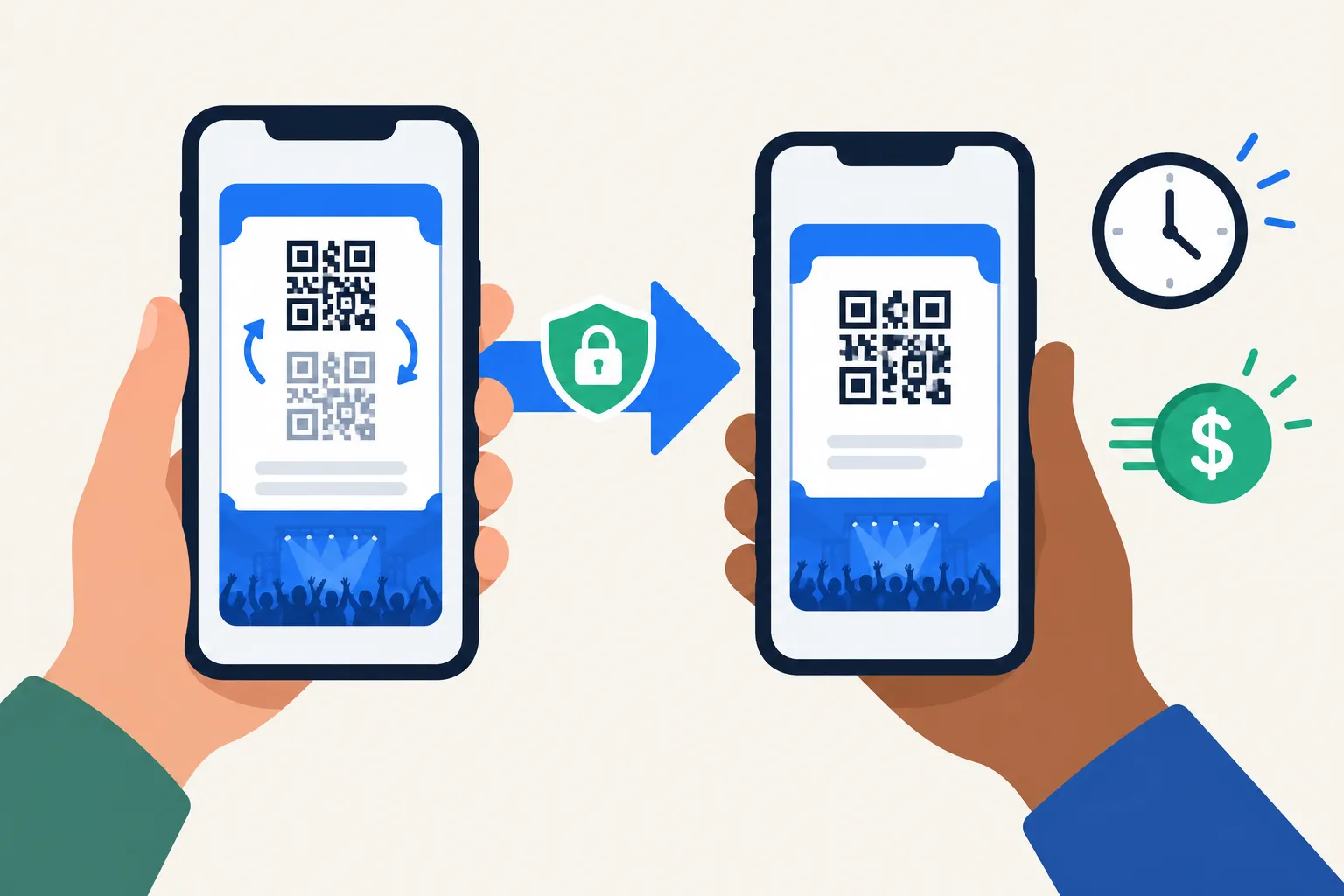
Your buyer needs the ticket in the format the provider accepts. A screenshot of a rotating barcode will not replace a ticket transfer. Have the date, section, row, seats, quantity and holding app handy before you list.
"Screenshots won't get you in." - Ticketmaster Help
Check whether you can sell or transfer the ticket
Open the event in your ticket account and look for Sell and Transfer. Each button allows something different:
If Sell is available, click it to see the issuer's resale flow. Another marketplace may have different eligibility rules.
If Transfer is available, you may be able to send the ticket to a private buyer or deliver a third-party sale, subject to the buyer's requirements.
If neither appears, hold off on promising delivery. The event terms and issuer's help page may explain your resale options.
An event organizer can restrict resale or delay transfers. If you do not see Sell on one marketplace, the original issuer may still allow a transfer. The reverse matters too: a Transfer button alone does not grant permission to resell under an event's terms. SeatGeek accepts certain mobile transfer tickets but not rotating barcodes from nonintegrated platforms. On AXS, Sell appears for resale-eligible tickets.
If transfer is unavailable or opens later
The event details may give a transfer date or an official resale route. If Sell works but Transfer does not, use the issuer's resale flow. If both are unavailable, wait for the transfer window or ask the issuer about your options. A direct buyer cannot bypass a transfer restriction.
Sending a screenshot, order confirmation or account password does not deliver a mobile ticket. Remove a listing if you cannot send the ticket. Marketplaces may penalize delivery failures.
Which route sells mobile tickets fastest?
Route | How it works | Best fit | Main trade-off |
|---|---|---|---|
Issuer's resale option | List eligible tickets inside the original ticket account; delivery may be handled in that system | Tickets with a Sell button and a seller willing to wait for a buyer | Sale is not guaranteed; event rules and payout timing vary |
Third-party marketplace | List seats, set a price and transfer from the original issuer when sold, if the platform supports that ticket type | Sellers who want to set a price and have time to fulfill a sale | Fees, delivery deadlines and buyer demand affect your outcome |
Private sale | Agree on payment directly with someone you know, then transfer through the issuer's app | A known buyer when transfer and resale are permitted | You handle payment and disputes yourself |
Direct ticket buyer | Request an offer, accept it and transfer eligible tickets to the buyer | Sellers who prefer a quick certain offer to waiting on a listing | The offer may be lower than the best price you could achieve on a marketplace |
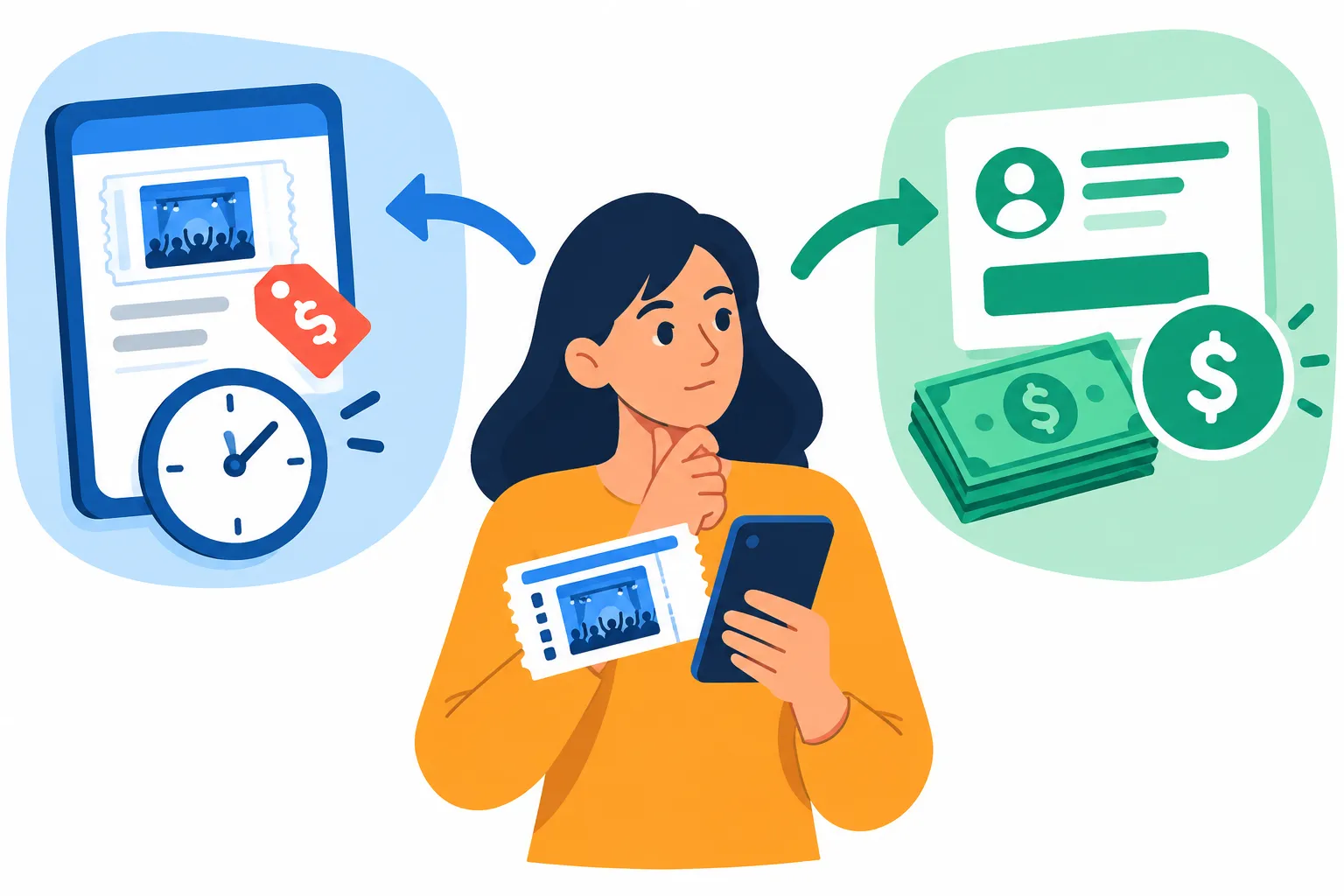
You can list in minutes and still wait days for a buyer. Compare what you keep after seller fees, when transfer opens and when payment arrives. Ticketmaster says it typically deposits resale payouts within seven business days after the event, provided you finish its seller checklist. Ticketmaster requires a verified bank account or debit card for payout and a credit or debit card for possible buyer refunds. Other services have their own requirements.
How to sell mobile tickets fast, step by step
Open the account where the tickets were originally purchased or delivered. Confirm the event, seats and quantity. If a friend owns that account, ask them to open it instead of selling a screenshot.
Look for Sell and Transfer, then read the event restrictions. Do not promise immediate transfer for a ticket that has yet to reach your account.
Match the route to your deadline. A marketplace lets you set a selling price when you have days to spare; a direct offer suits a tighter deadline when prompt payment matters more.
Work out what you would take home. Subtract the marketplace's seller fee and allow for the chance the tickets never sell. For a direct buyer, use the offered payout.
Follow the sale instructions. Transfer marketplace tickets from the original app to the specified recipient; for a direct purchase, accept the offer and follow the buyer's transfer instructions. Keep the confirmation.
Take down other listings once you commit the seats to a buyer. That prevents a second sale of the same tickets.
Price for your deadline, not the amount you paid
Compare ticket prices for the same event date, section and view. Include obstructed views and seat benefits in your listing details. If the tickets do not sell, edit the selling price before your listing expires. A high asking price does you little good after the event starts.
For a direct offer, weigh the payout against the time needed to send the ticket. You get the offer first; payment follows acceptance and the required transfer. Read the offer terms before sending anything.
Transfer safely and finish the handoff
Send the ticket through the issuer's transfer function, using the recipient details in your sale instructions. A typo can delay acceptance, so keep the confirmation and follow your platform's delivery rules. SeatGeek, for example, tells sellers of eligible third-party mobile transfers to send the ticket from the issuer's app after it sells.
If someone contacts you outside the sale process claiming to be the buyer, do not send them the ticket. Keep marketplace messages and payments in the agreed channel, and keep your ticket account password to yourself.
When a direct offer makes sense
WeBuyTickets buys eligible tickets directly. Send in the ticket details and get an AI-powered offer within minutes. Accept it, transfer the tickets and receive payment through PayPal or Venmo shortly after the handoff. There is no seller fee or listing to manage. The submission takes about 60 seconds, and you can submit tickets up to event start time.
For a show tonight, an offer saves you from tending a listing. You give up control over the asking price, and a marketplace could pay more if a buyer comes along. You still have to be able to transfer the ticket; an offer cannot unlock it.
The quickest sensible choice
If outside transfer is blocked, use the issuer's resale option. Transferable seats can go on a marketplace when you have time to seek a higher price. For a sale without the wait, request an offer from WeBuyTickets and compare the payout with what a listing might bring.
FAQ
Can you resell Ticketmaster mobile tickets?
Sometimes. Open the event in your Ticketmaster account and look for its resale and transfer options; availability depends on the event. If resale is disabled but transfer is available, read the event rules before arranging an outside sale.
Can I transfer my mobile tickets to someone else?
If the original issuer enables transfer for your event, use its app or account to send the ticket to the recipient. Transfer can be delayed or restricted, so a screenshot is not a reliable workaround.
How do I resell digital tickets?
Identify whether your ticket is an app-based mobile transfer or a downloadable file, then choose a service that supports that delivery method. Confirm resale and transfer permissions, compare the net payout, and deliver the ticket through the issuer's approved process after the sale.
Can I transfer a digital ticket to someone else?
Often yes, but it depends on the ticket format and event rules. For app-only tickets, use the original issuer's Transfer option if it is available; sending a PDF or image will not replace an app transfer.