How to Resell Sports Tickets
Published October 11, 2026 · Updated October 11, 2026
Find the best website to sell sports tickets. Compare resale eligibility, seller fees, payout timing and direct offers before you transfer seats.
Need to sell seats for a game you can't attend? The best website to sell sports tickets depends on your deadline. A marketplace lets you set a higher asking price, but you still need a buyer and a way to deliver the seats. With a direct buyer, you can see the offer before agreeing to sell. Start by opening the tickets in your account.
For a look at the mobile transfer process, watch this walkthrough:
Can you resell your sports tickets?
Open the account that holds your tickets and find the game. A Sell button gives you the issuer's resale route; a Transfer button lets you send the tickets to another account. Those are separate permissions. If you can transfer but cannot use Sell, you may still have another way to sell. If transfer is unavailable, you may struggle to deliver a ticket sold elsewhere.
Write down the date, section, row, seat numbers and how many seats you can sell together. If you have season tickets, inspect the game you are selling rather than relying on the package settings. Delayed mobile delivery, team restrictions, price caps and local resale rules can affect your options. You need a delivery method that works by the buyer's deadline.
Paper tickets and PDFs do not turn into mobile transfers on their own. The issuer determines which delivery options you have. An order confirmation or a screenshot is no substitute for the transfer you promised a buyer.
Best website to sell sports tickets: compare the actual sale
Would you rather set your own price or know what the seats will bring in now? A listing may pay more after seller charges, provided someone buys it before kickoff. Compare that payout with the amount of a direct offer.
Option | How you sell | When the sale is certain | Seller's main tradeoff |
|---|---|---|---|
Ticketmaster | List an eligible ticket from your account | When a buyer purchases | Eligibility depends on the event; assess the displayed payout before listing |
StubHub | Create a marketplace listing and deliver after it sells | When a buyer purchases | You manage price, fulfillment, and the wait for payment |
SeatGeek | List through its supported resale flow | When a buyer purchases | Availability and fees depend on the ticket and sale flow |
TickPick | Post a marketplace listing | When a buyer purchases | No fee to list does not mean an immediate sale |
Gametime Sell | Set a price for eligible tickets in the app | When a buyer purchases | Payment follows the event rather than the moment you list |
WeBuyTickets | Submit details and accept or decline a direct offer | When you accept an offer for an eligible ticket | Convenience may yield less than a successful high-priced marketplace listing |
Ticketmaster: start with the original ticket account
For a game eligible for Ticketmaster resale, you can list from the account holding the ticket. That can make the handoff easier, though you still need someone to buy it. Use the payout shown during listing when you compare options. If you cannot use Sell, see whether Transfer is available before choosing another route.
StubHub and SeatGeek: list for a wider pool of buyers
StubHub and SeatGeek let you set an asking price and change it as the game approaches. On StubHub, you are responsible for accurate seat details and delivery. SeatGeek may be convenient if it supports your tickets already. You could wait until the game and still have no buyer, so look at both the displayed payout and the delivery instructions before listing.
TickPick and Gametime Sell: other listing paths
TickPick charges nothing to create a listing for sports or other events; you still need a buyer. With Gametime Sell, eligible ticket holders can set a price in the app using Price Guidance. Once the ticket sells, Gametime says it issues payment 48 hours after the event. That timing matters if you need the money before game day.
"Gametime United will issue payment to you 48 hours after the event has occurred," provided payment information is set up correctly. - Gametime Terms of Service
WeBuyTickets: sell to a buyer instead of waiting for one
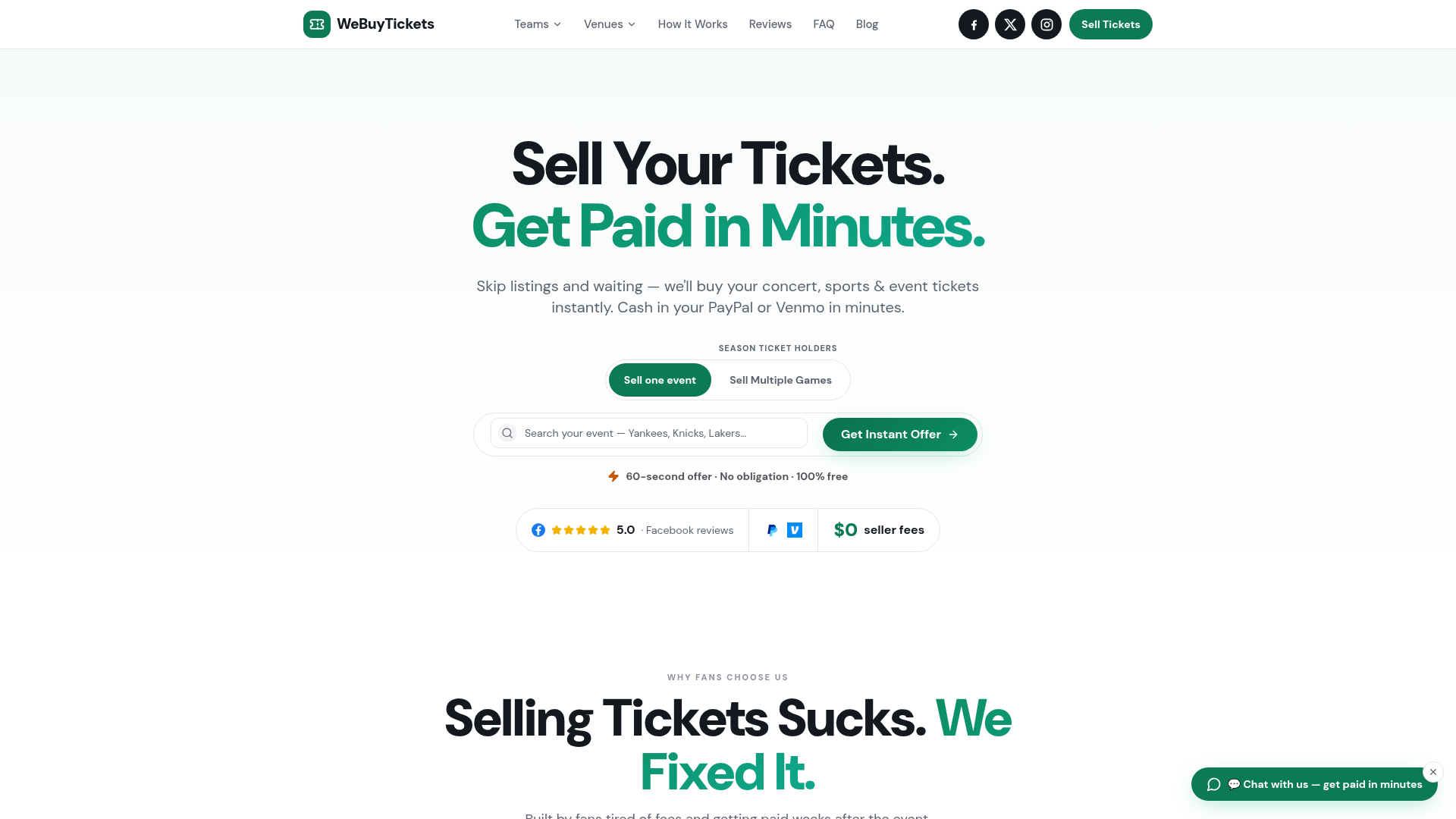
WeBuyTickets buys eligible event tickets directly. Its selling form says it prices submissions in about 60 seconds. If you like the offer, accept it and transfer the seats. You do not have to post a listing or wait for a fan to buy, and the company says it deducts no seller fee from the offer. It says it pays via PayPal or Venmo within minutes after accepting the transfer. For a season ticket holder facing an approaching game, knowing the amount in advance can help. You could earn more through a successful marketplace listing, though. Read the offer and payment terms before sending your tickets.
How to resell sports tickets step by step
Find the seats in your account and note whether the issuer allows resale, transfer, or neither.
Compare asking prices for the same game, quantity and section. They show what sellers want, not what buyers have paid.
Work from the seller payout shown on the listing screen. Compare that with the cash offered by a direct buyer.
List your seats with accurate details or accept a direct offer. Remove an existing listing before switching routes to avoid selling the seats twice.
Follow the delivery instructions in your order or direct-purchase agreement, and save the transfer confirmation.
Track the money after you send the tickets. The transfer confirmation and the payout are separate events.
Research a price for your specific game
Start with tickets listed for your game in the same section and row, in the same group size. Seats across the aisle can help you set a range. Box office prices for another game say less about demand for yours. As sellers change their asking prices, the best-priced seats may shift, and none of those prices tells you what a buyer paid. If plenty of seats remain in your section, decide when you will cut your price or take a direct offer.
Fees, payout timing and the last-minute decision
Keep three numbers separate: asking price, payout after seller charges, and money received. Suppose you list a pair at $200 and the listing screen shows a $180 payout. Compare $180 with a direct offer. Those figures illustrate the calculation; they are not a fee quote for any service.
Your priority | Usually the better starting point | Why |
|---|---|---|
Highest possible sale price and time to wait | Marketplace listing | You choose an asking price, but sale is uncertain |
Known amount without creating a listing | Direct offer | You can decide whether the offered amount works before transferring |
Payment before the game | Compare the exact payout trigger | Some marketplaces release money after the event, even when seats sell earlier |
Game starts soon | Transferable tickets and a buyer who can act quickly | A price you cannot sell or deliver in time has no practical value |
If you have time and desirable seats, you may want to try a marketplace first. As kickoff approaches, compare any direct offer with what you could lose if the seats go unsold. Take down your live listing before accepting another sale.
You may sell a ticket days before you receive the money. Gametime's payment terms tie seller payment to the event date. WeBuyTickets describes its PayPal and Venmo payment process as taking minutes after it accepts your transfer. That direct sale still requires eligible tickets and the agreed transfer.
Transfer tickets without losing control of the sale
If your order calls for a mobile transfer, send the tickets through the issuer's account. Use the recipient details in the confirmed order or direct-purchase instructions, and save the transfer confirmation. A screenshot of a rotating barcode, a purchase email or a photo of a paper ticket will not fulfill a promised mobile transfer.
Stick to the payment and transfer process you agreed to. A message from someone outside the marketplace is not a confirmed order; do not send that person the ticket. Your account should show the transfer as sent before you mark it complete. If the issuer delays transfers until closer to the game, tell the buyer before accepting an order so you can meet the delivery deadline.
The best choice for your tickets
If your seats are eligible and you have time, a marketplace gives you room to try a higher price. If you want to settle the sale sooner, a direct offer gives you an amount to weigh without posting a listing. Try WeBuyTickets when avoiding seller fees and waiting for a buyer matters more to you than chasing the highest possible price. Check that you can transfer the seats, then put its offer beside the payout your marketplace listing shows.
FAQ
Can you convert physical tickets to digital?
Not automatically. A paper ticket cannot be treated as a mobile transfer just because you have a photo or order receipt. The original issuer must provide a digital delivery or transfer option for your specific game.
Can you resell physical Ticketmaster tickets?
The resale route depends on the ticket and its event settings. Look for the Sell and Transfer controls in the account that holds the tickets, and describe the actual delivery method accurately if you list elsewhere. Do not promise an in-app mobile transfer for a paper-only ticket.